
 80mm Receipt Printer
 ACE H2
 RP331
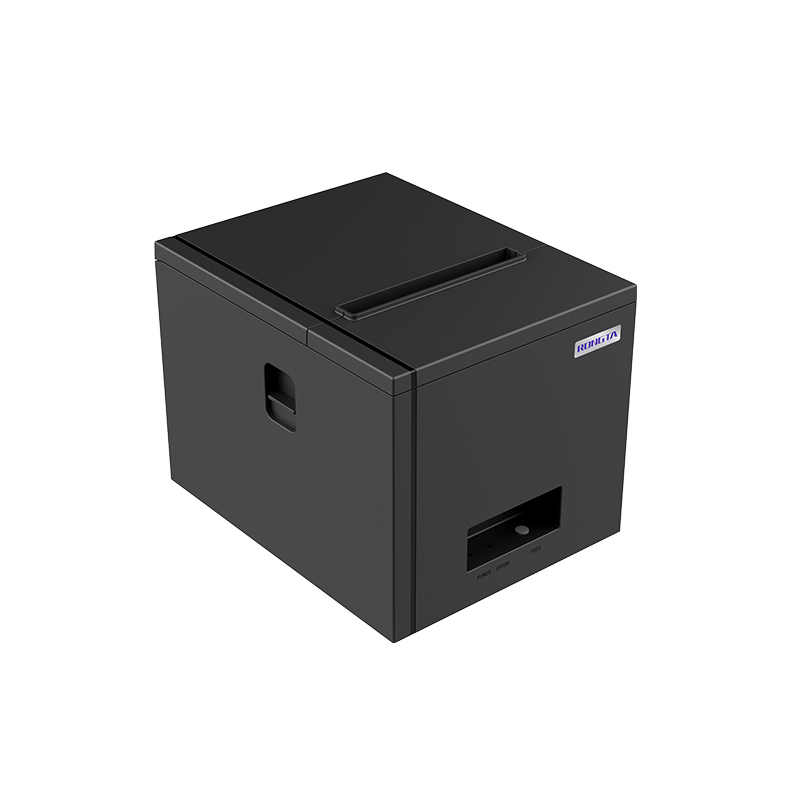 RP350
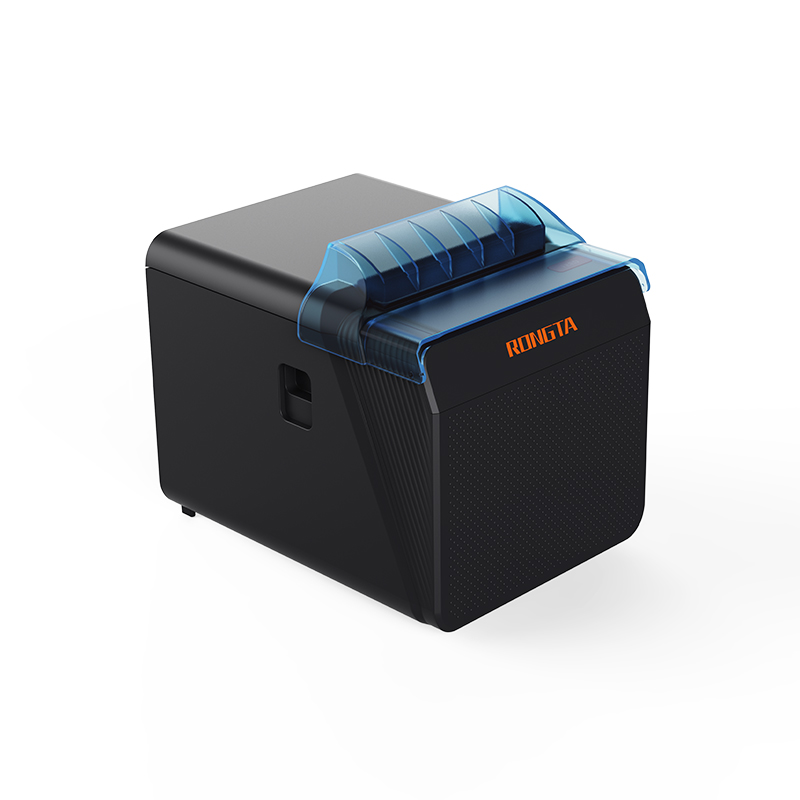 RP337
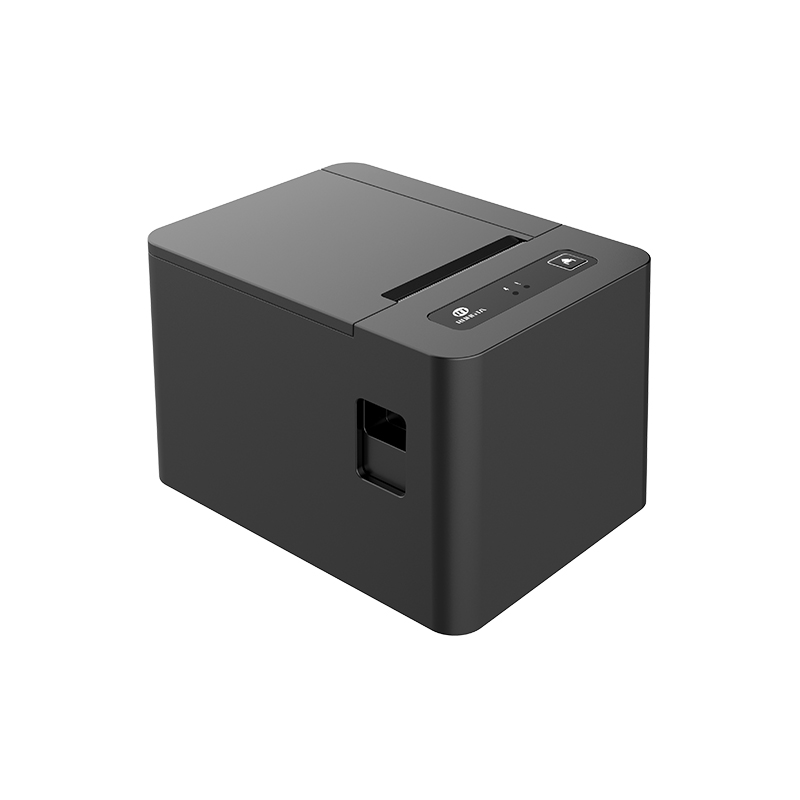 RP582
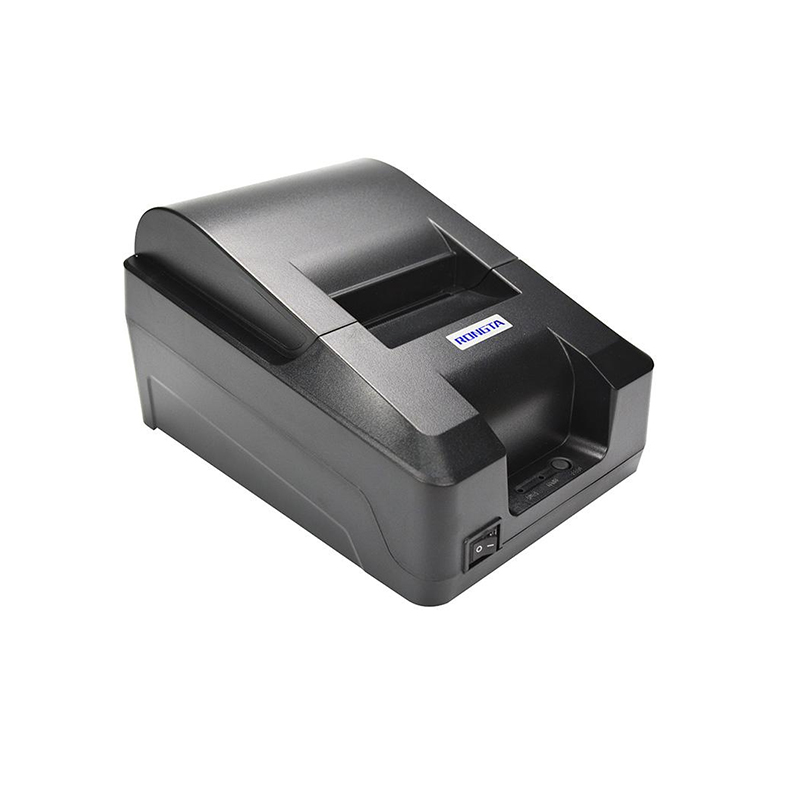 RP58A
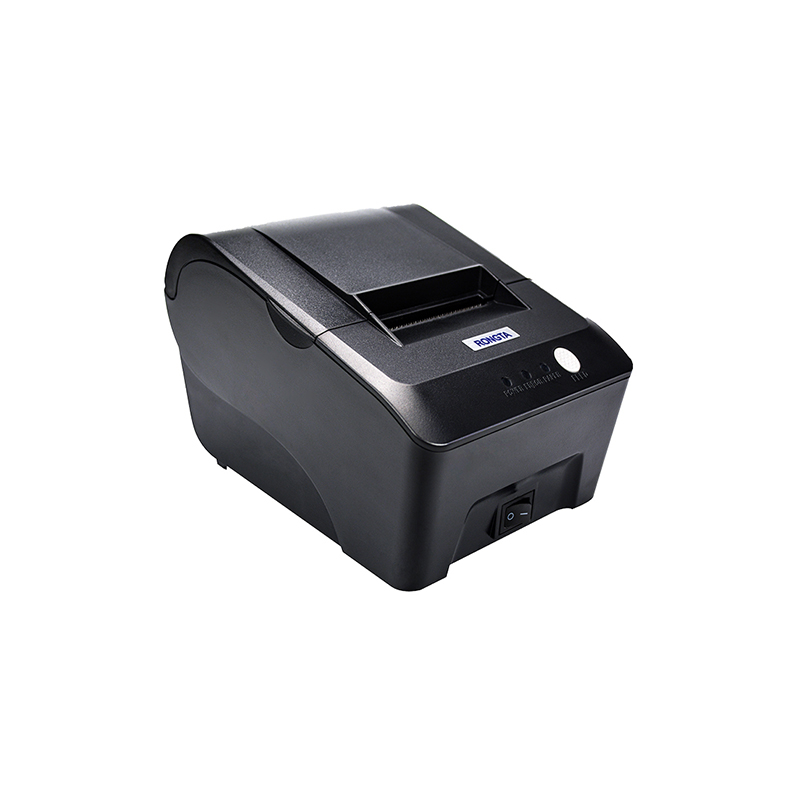 RP58E
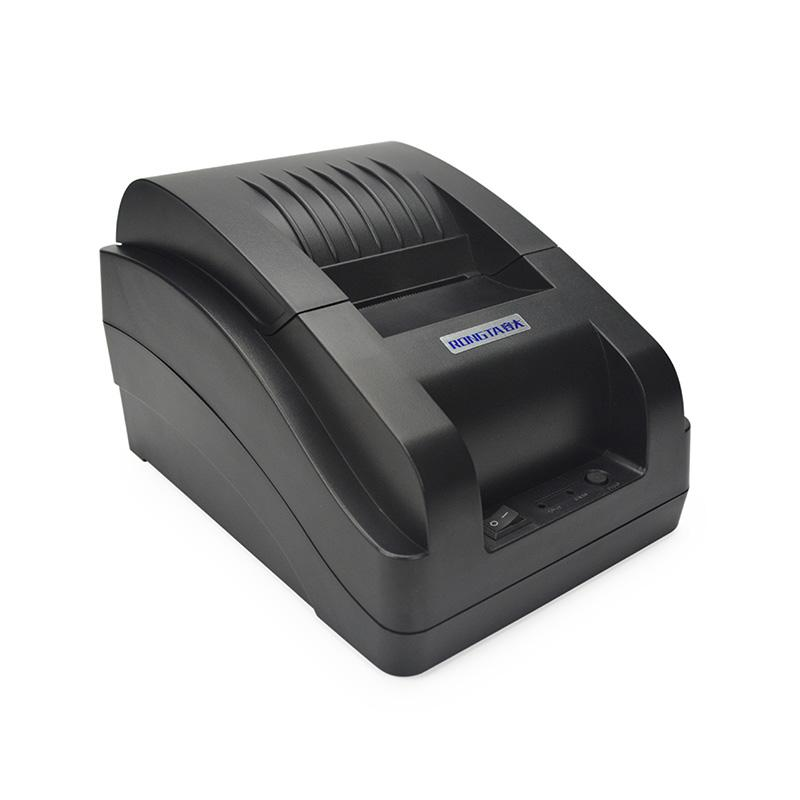 RP58B
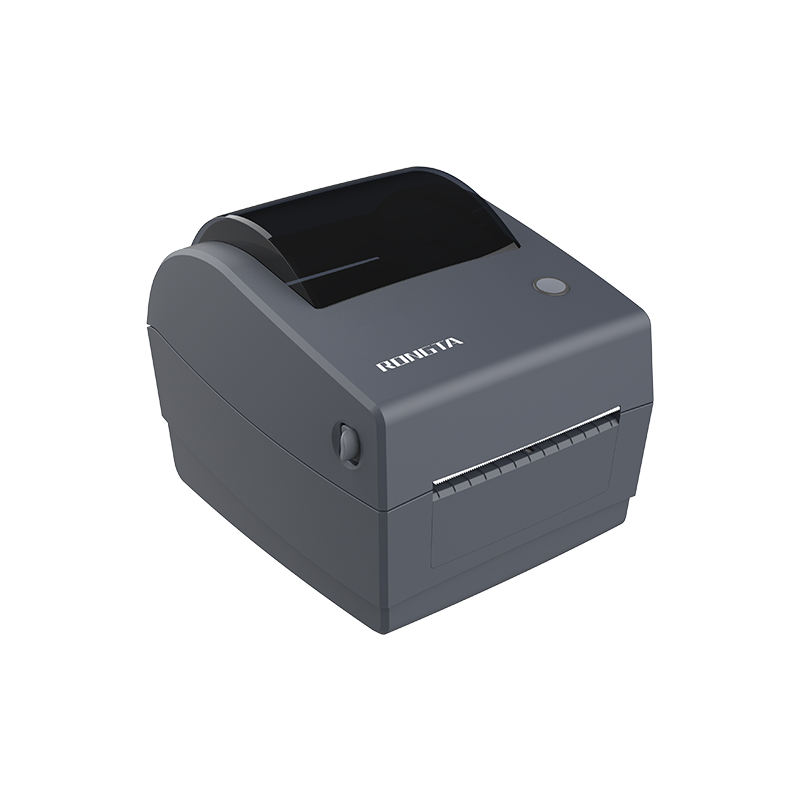 RP310D
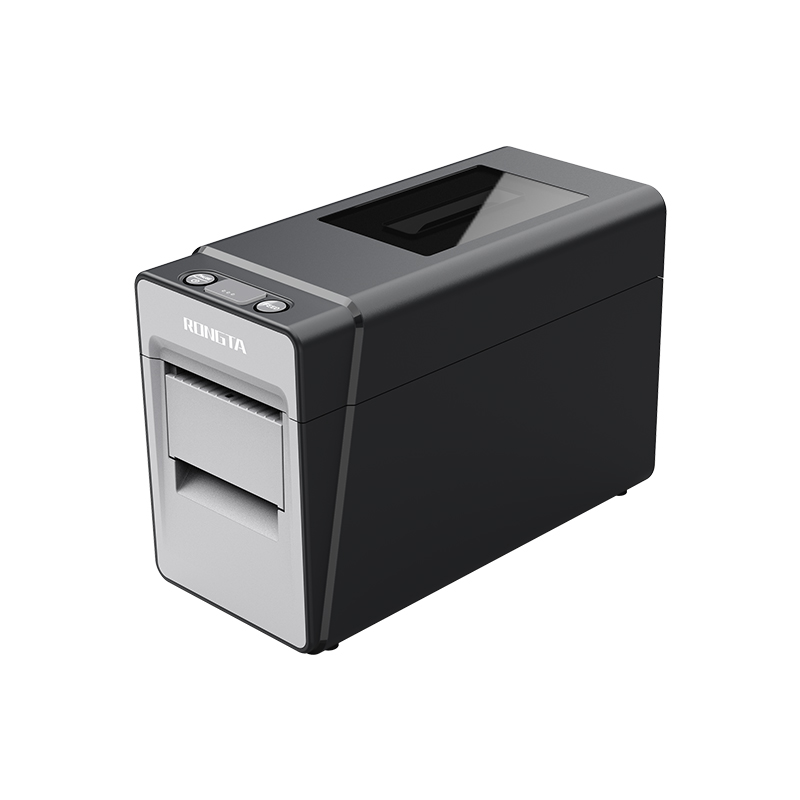 RP216
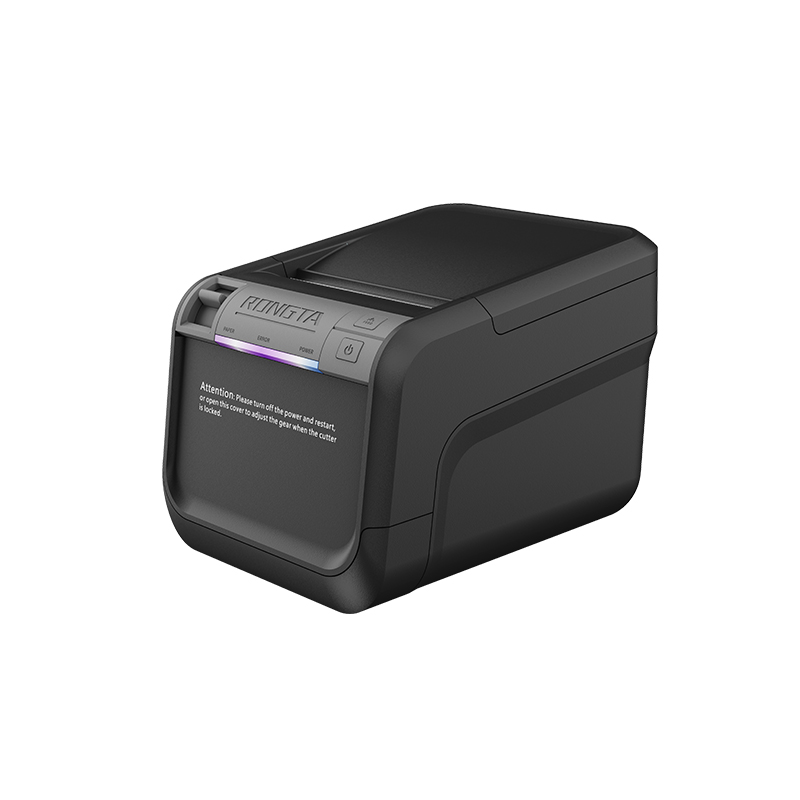 ACE V1S
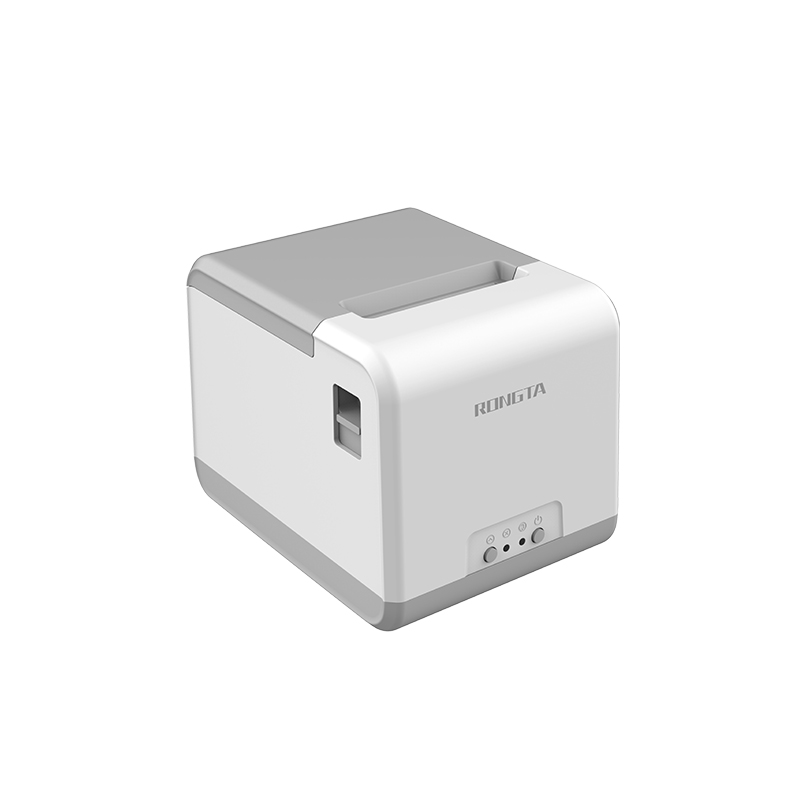 RP211
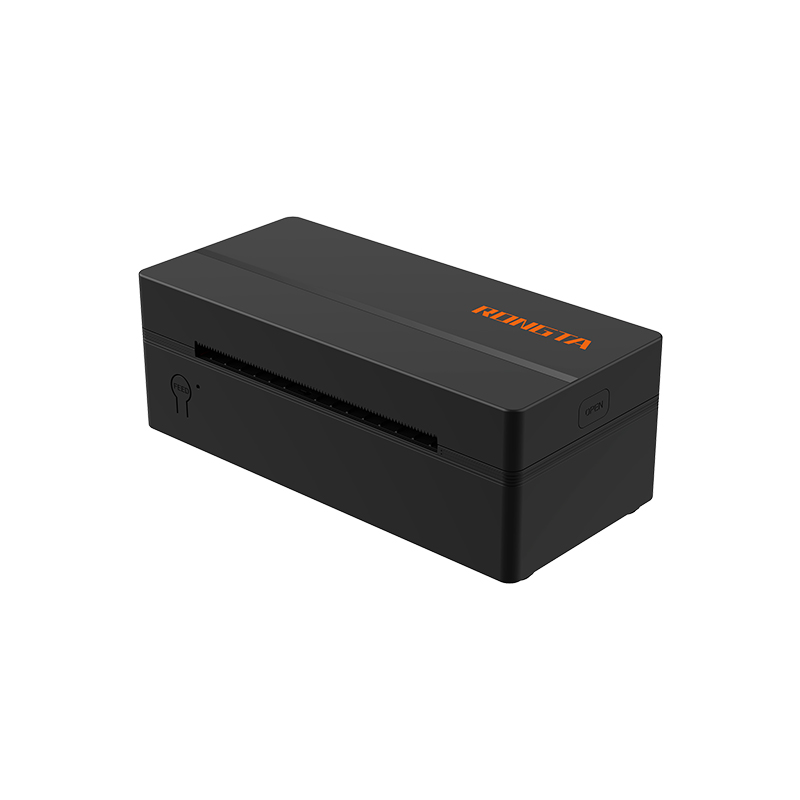 RP425/RP425C
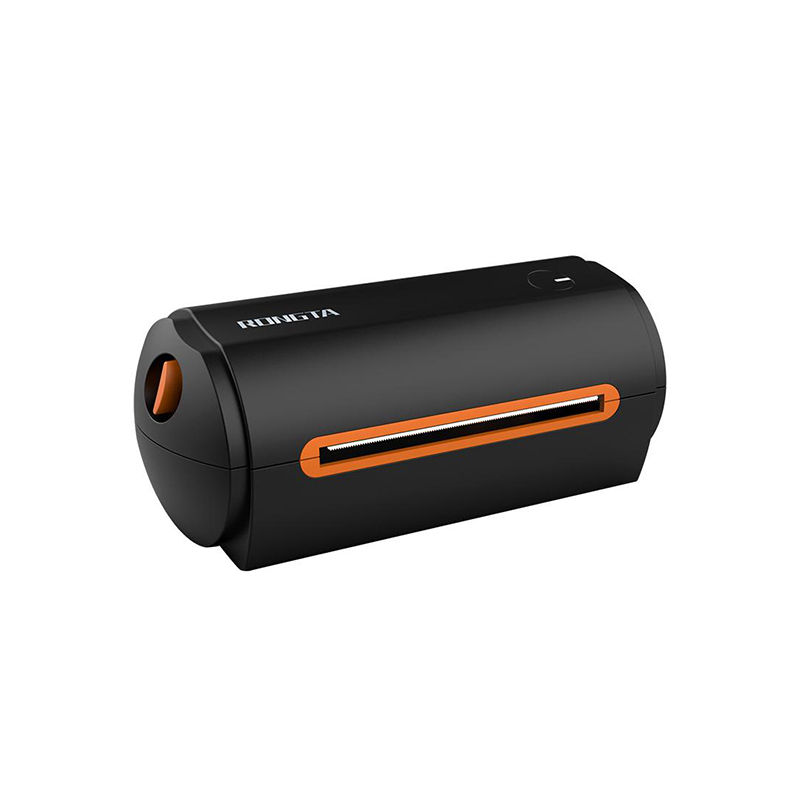 RP422
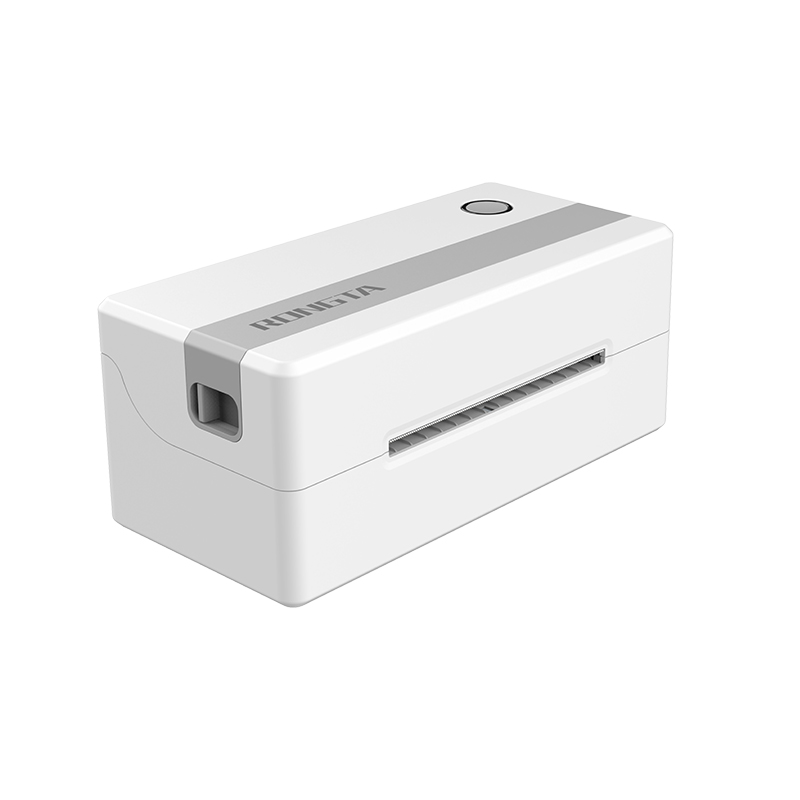 RP421A-Airprint
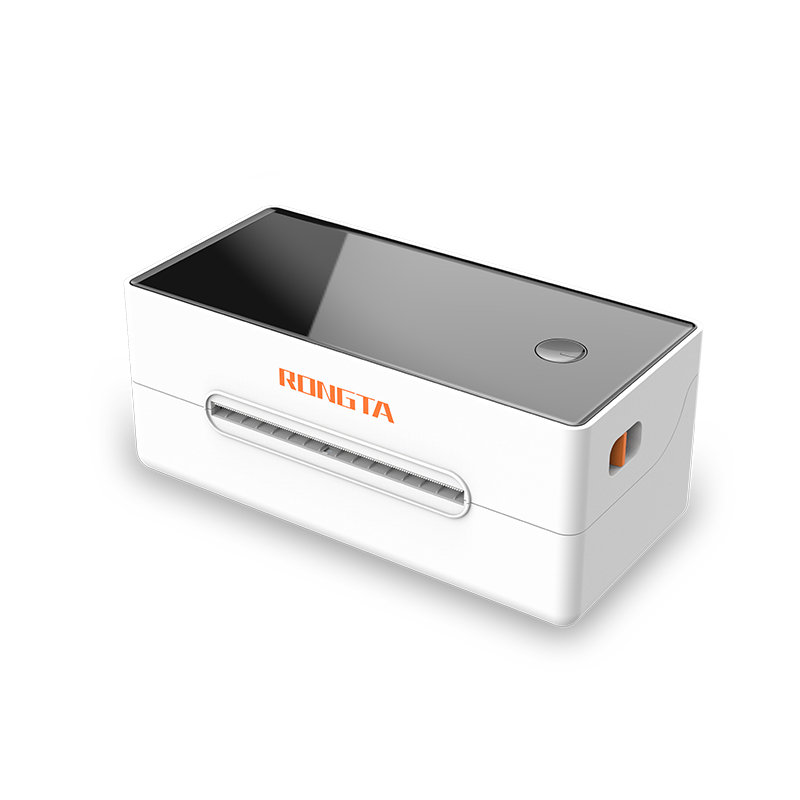 RP421
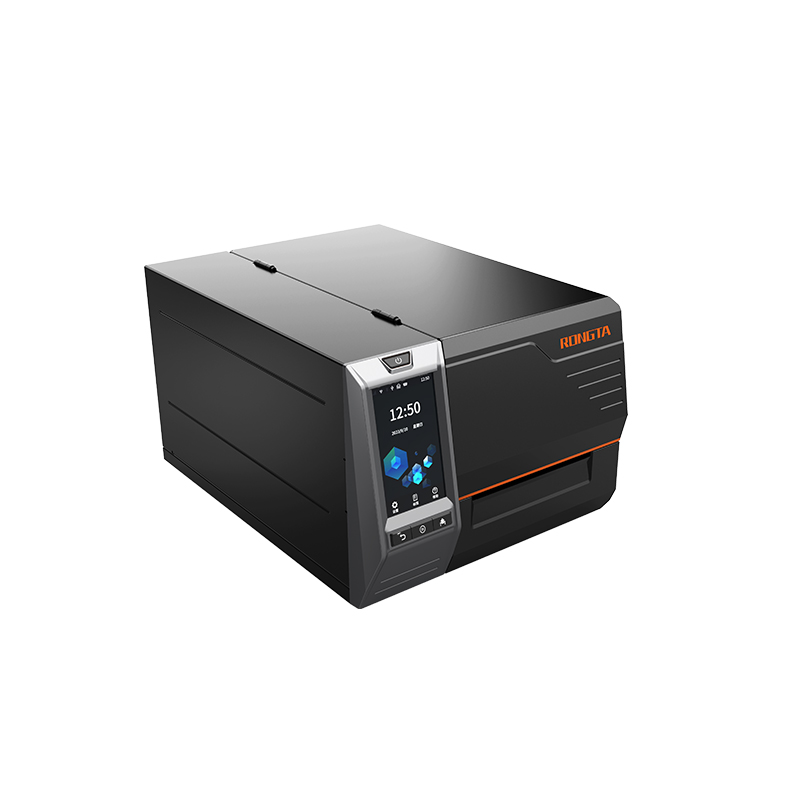 RI460/RI463/RI460r
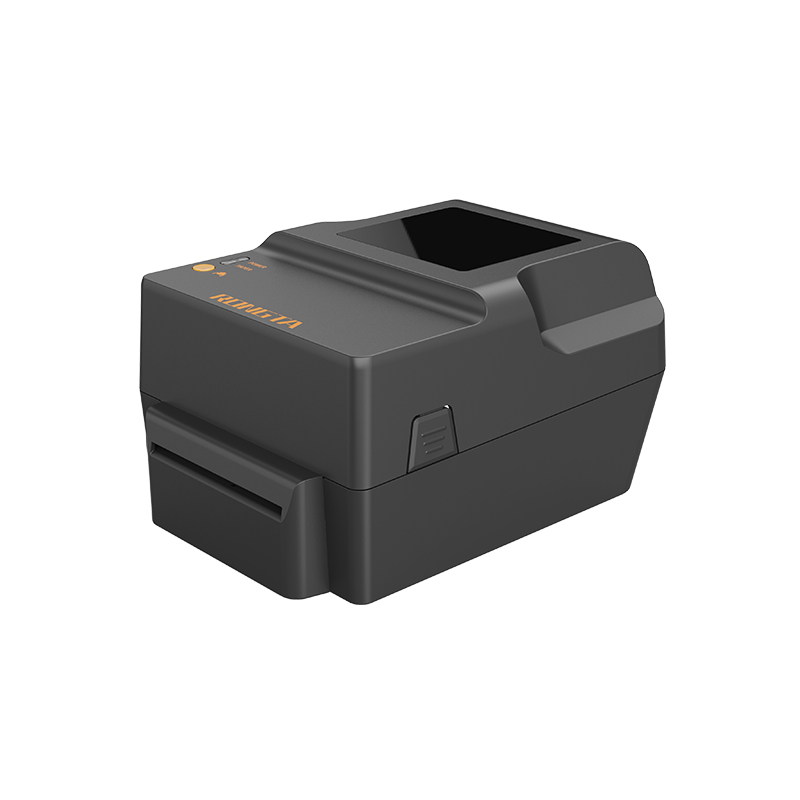 RP400H
 RP400A
 RPF412
 RPP02C
 RPP02N
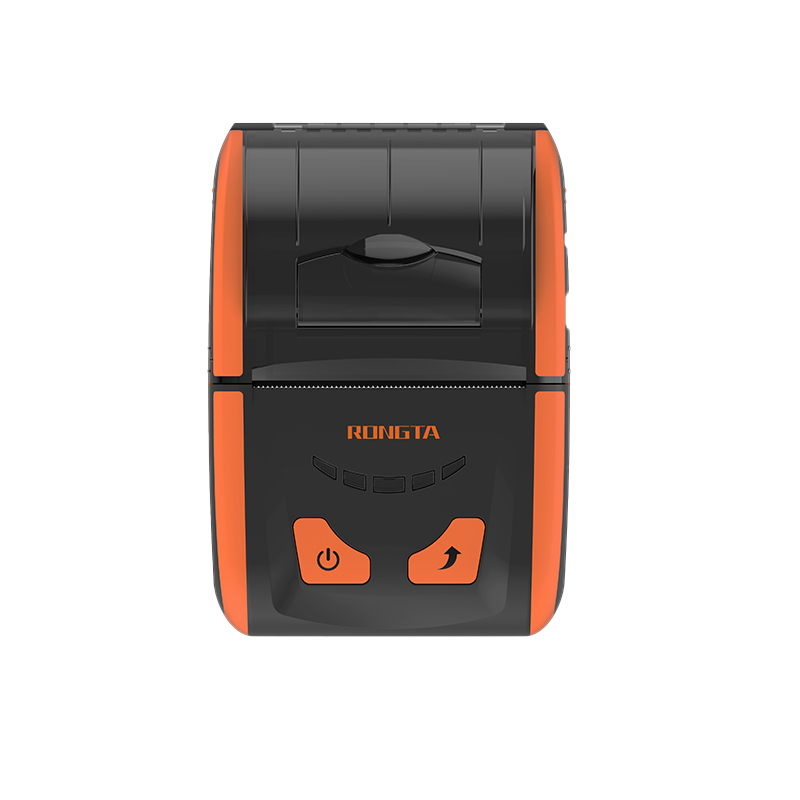 RPP200
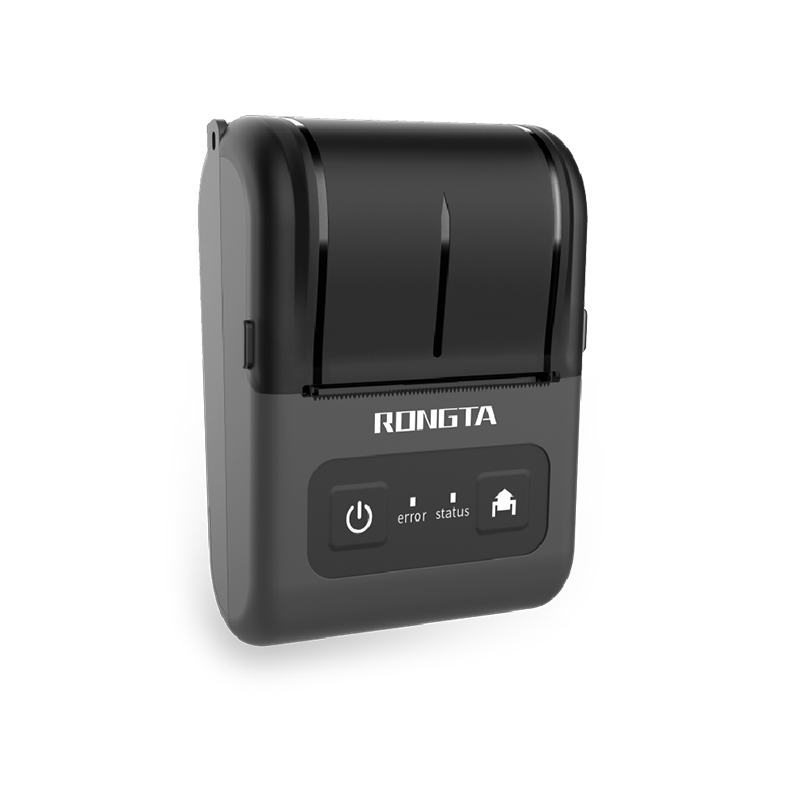 RPP02D
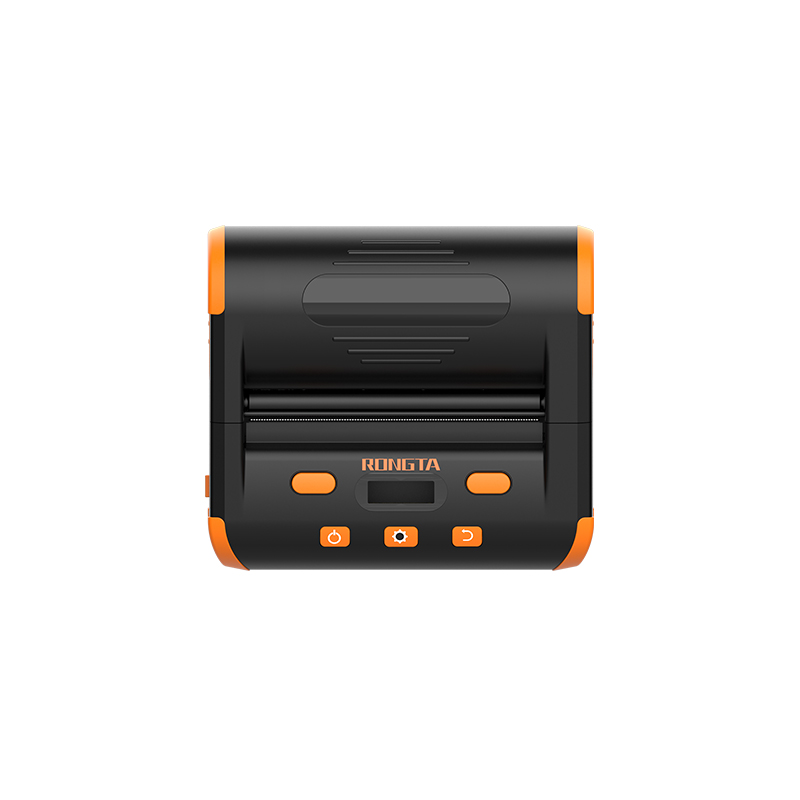 RPP04
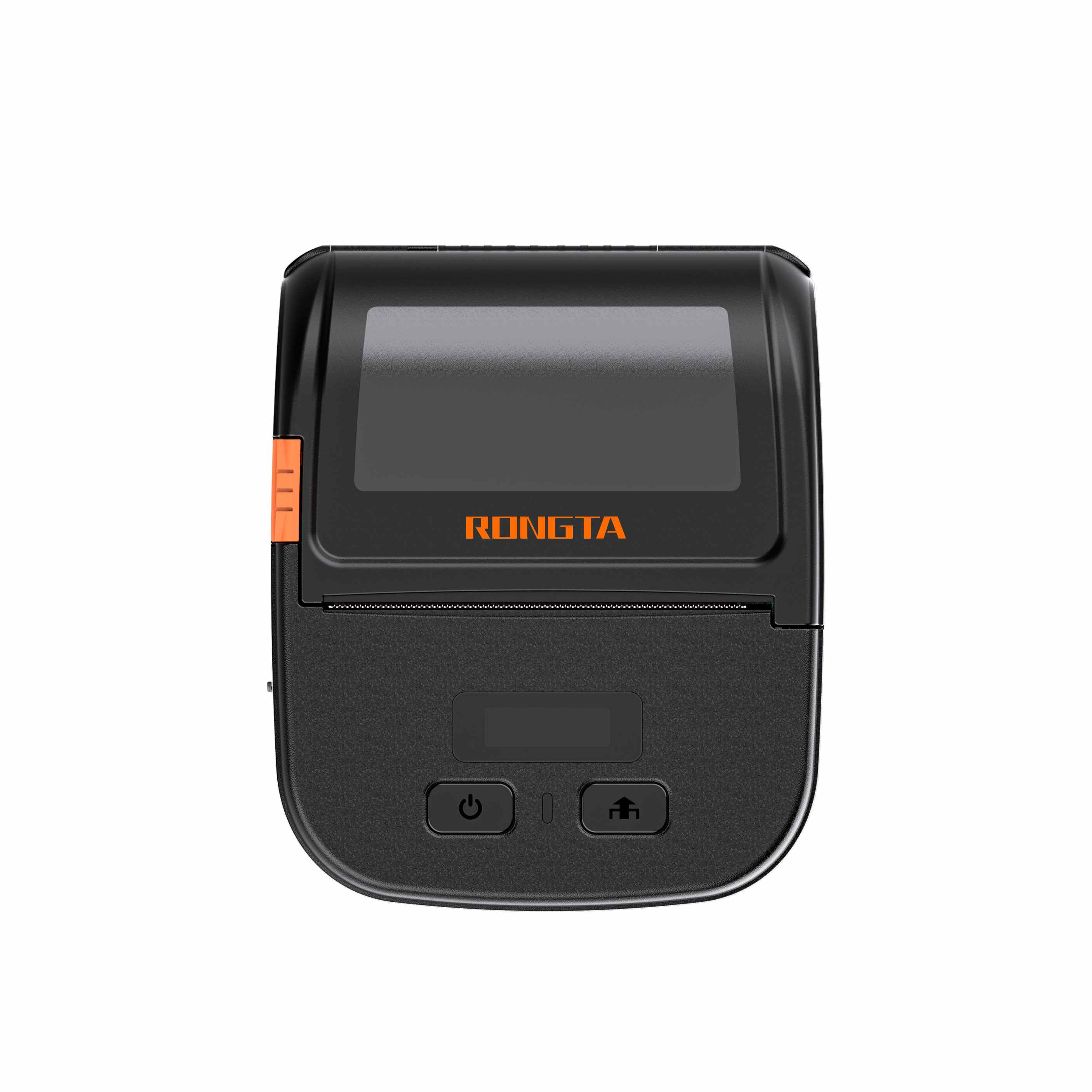 RPP30
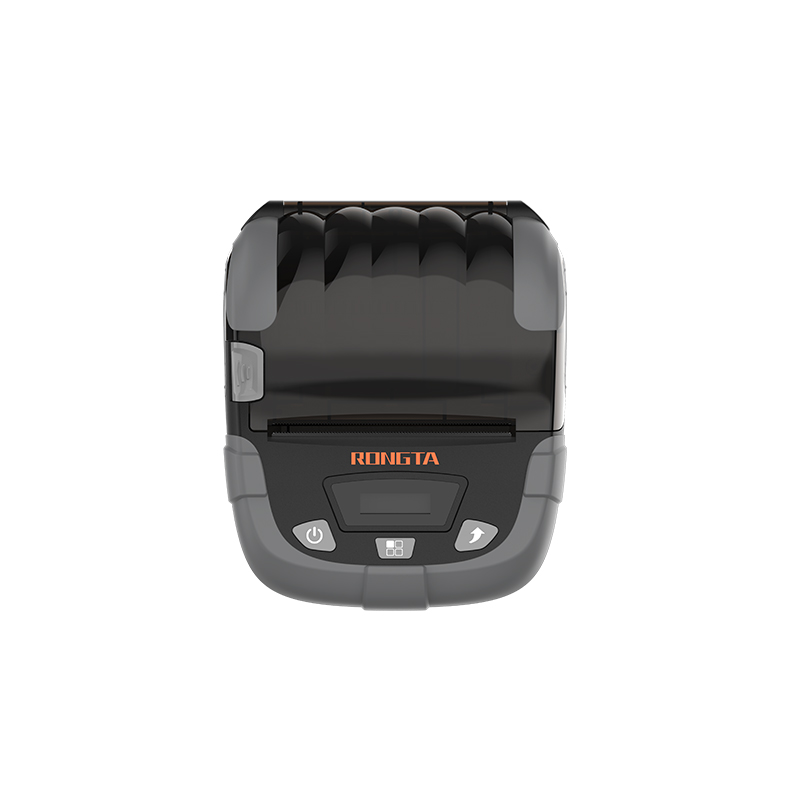 RPP320
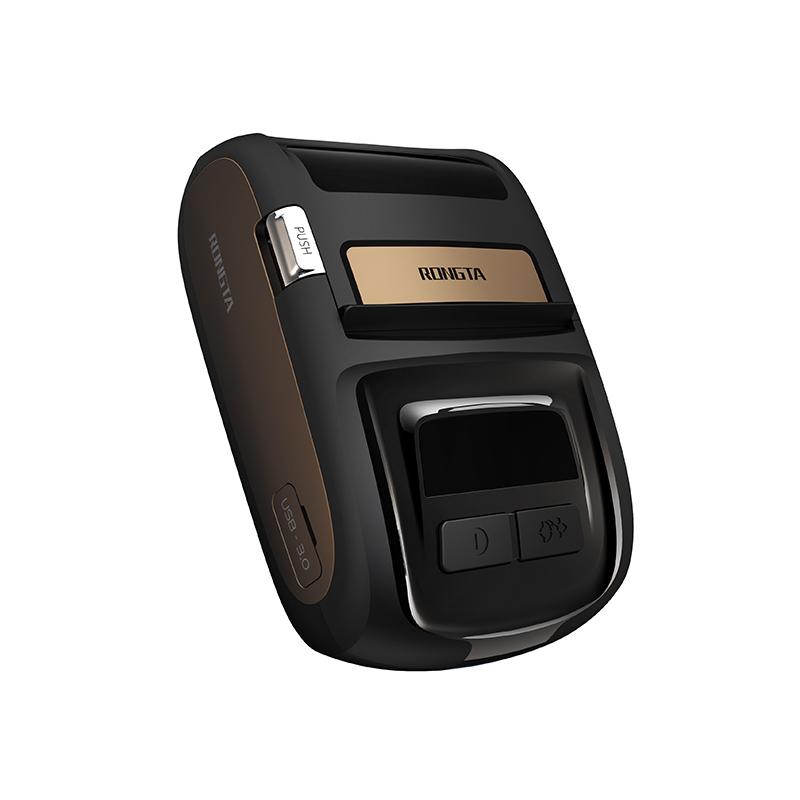 ACE M1
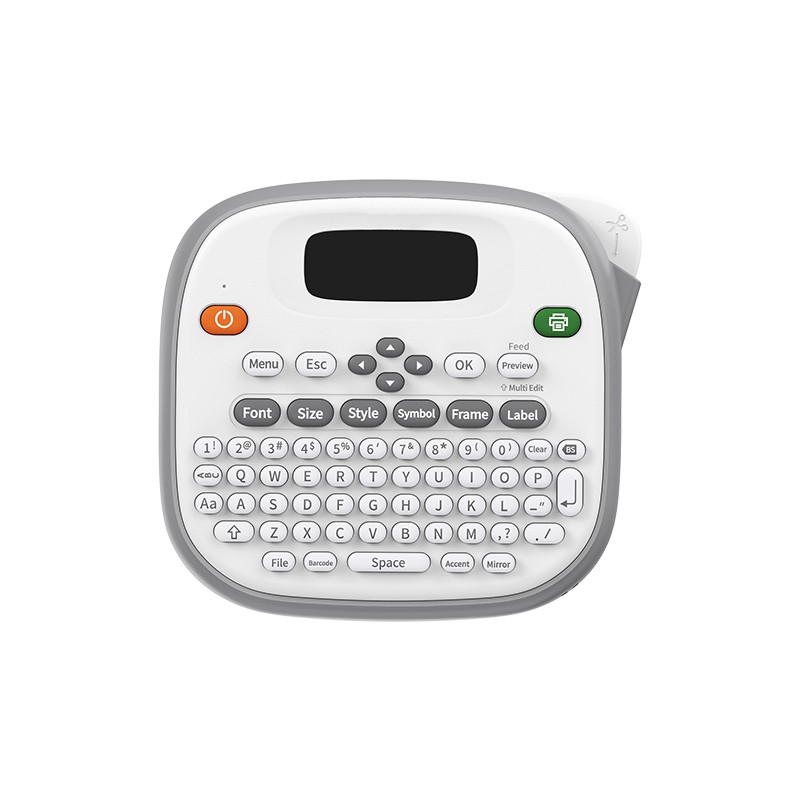 TD210
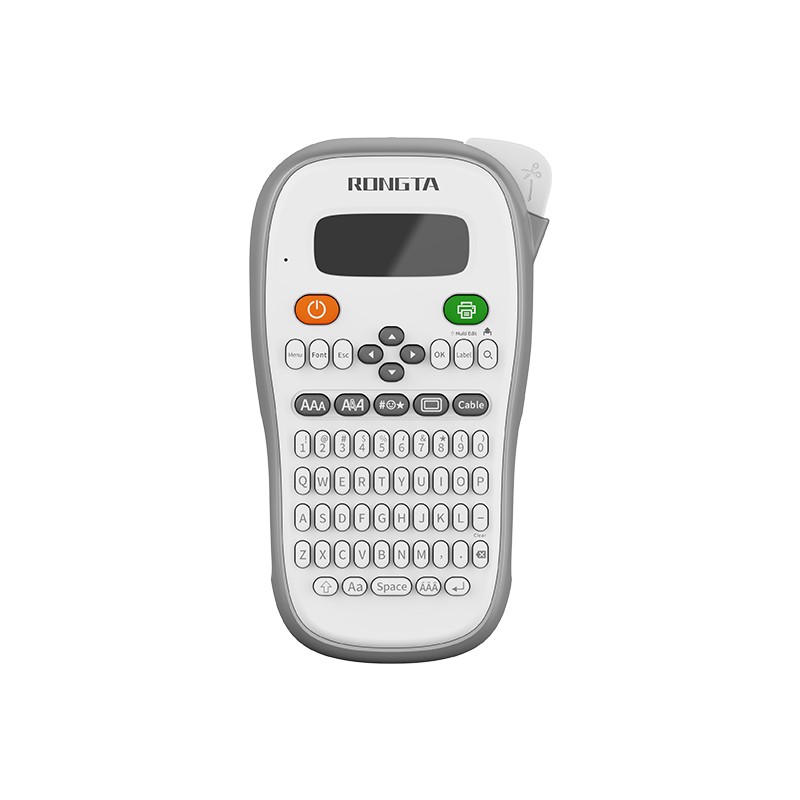 TH110
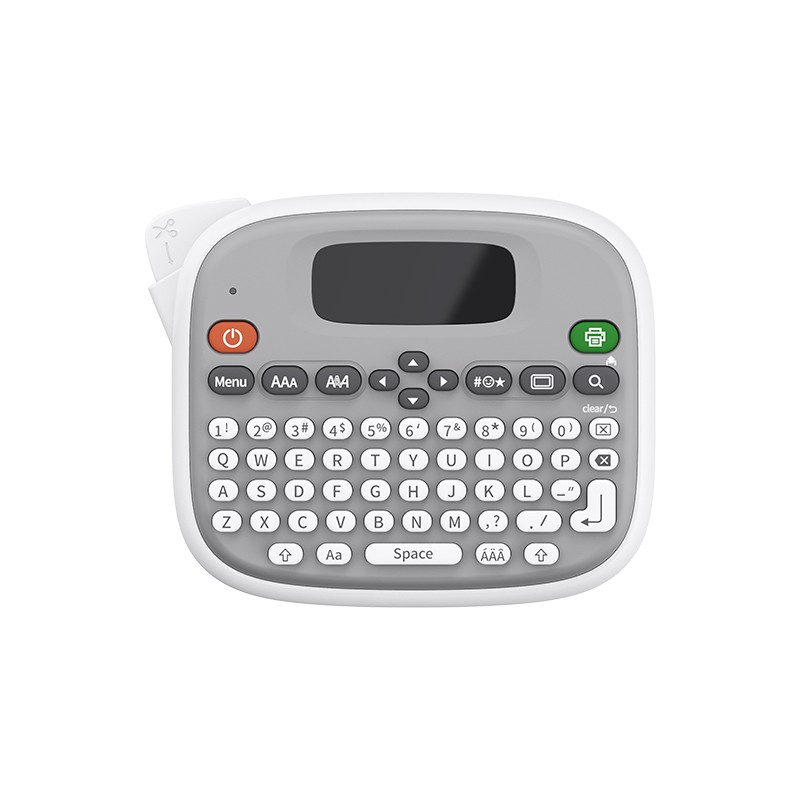 TM95
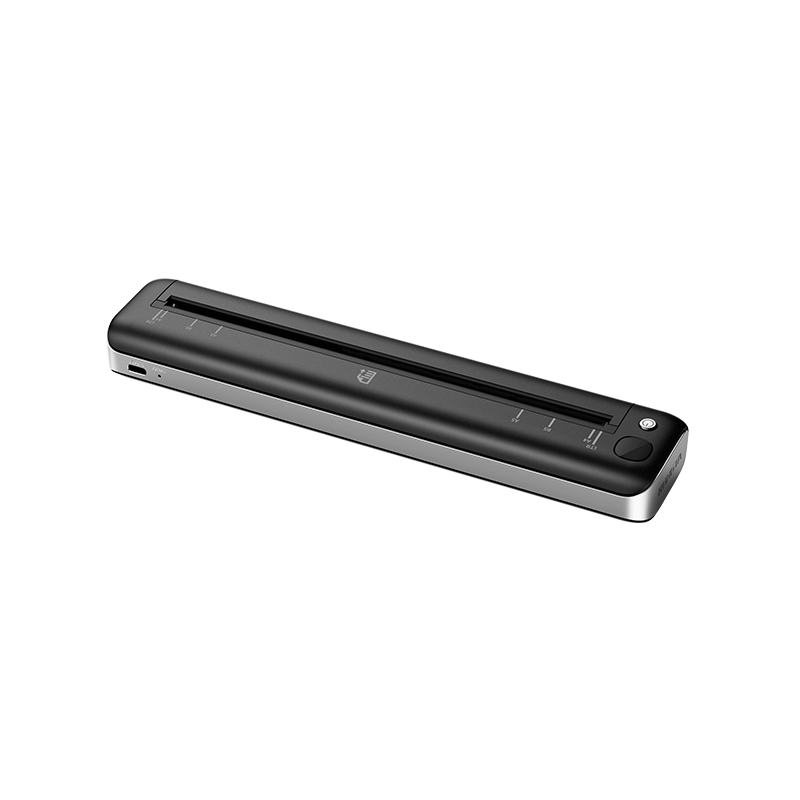 F81A
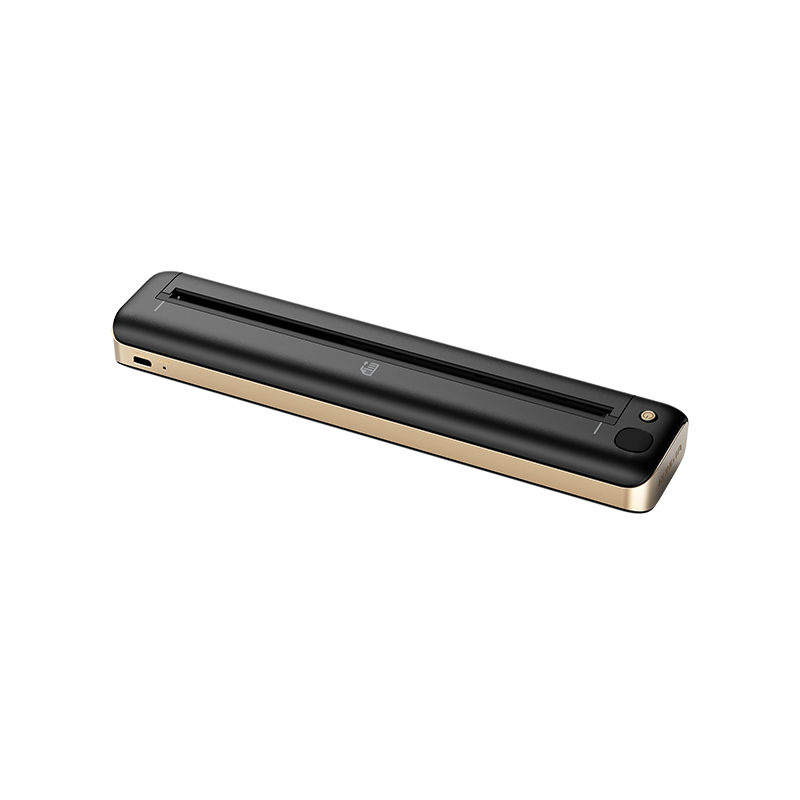 F81S
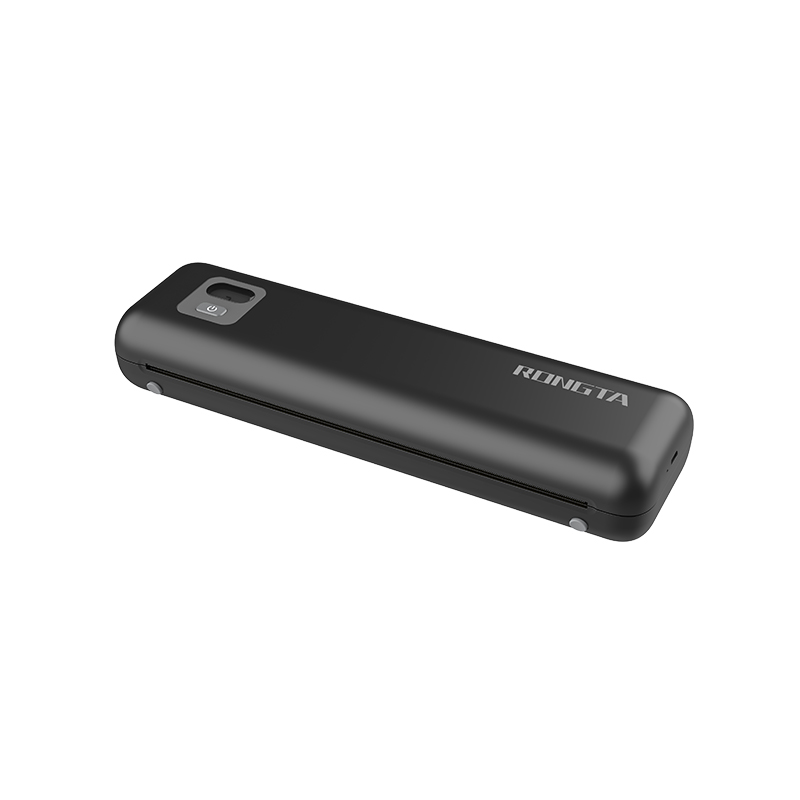 F82A
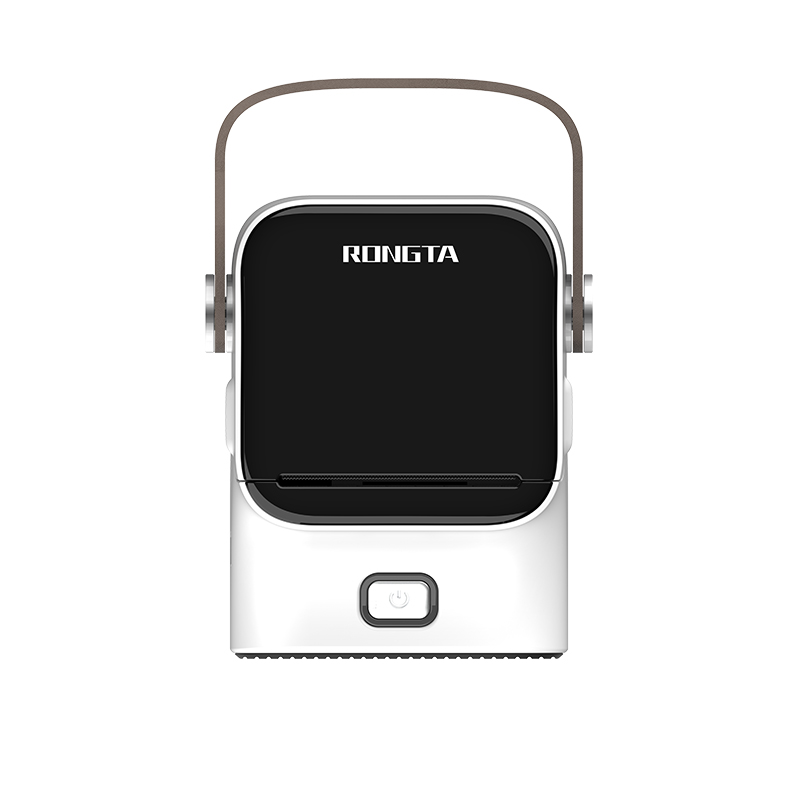 R22
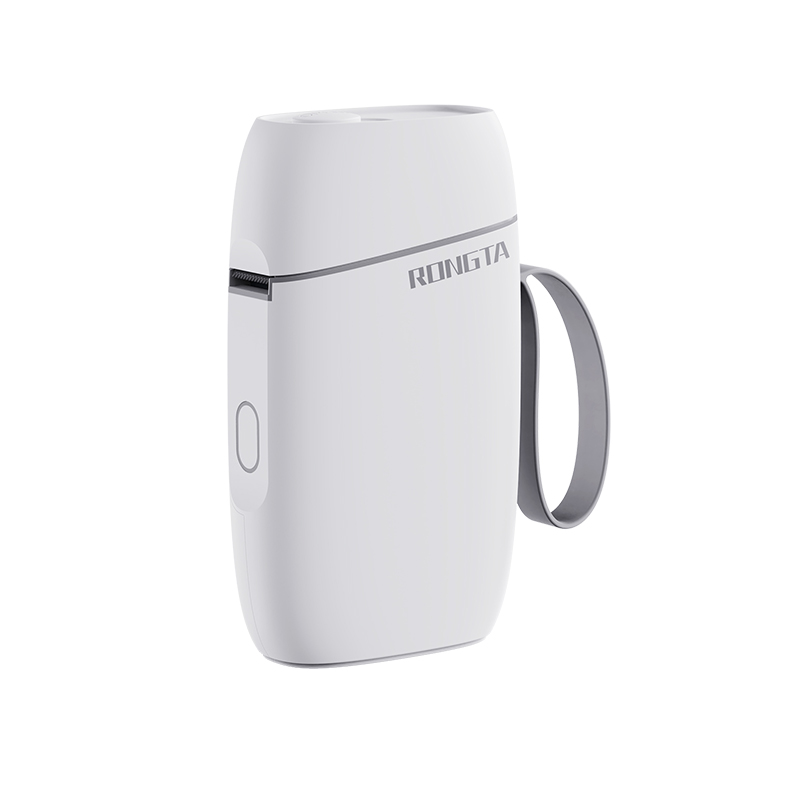 R5
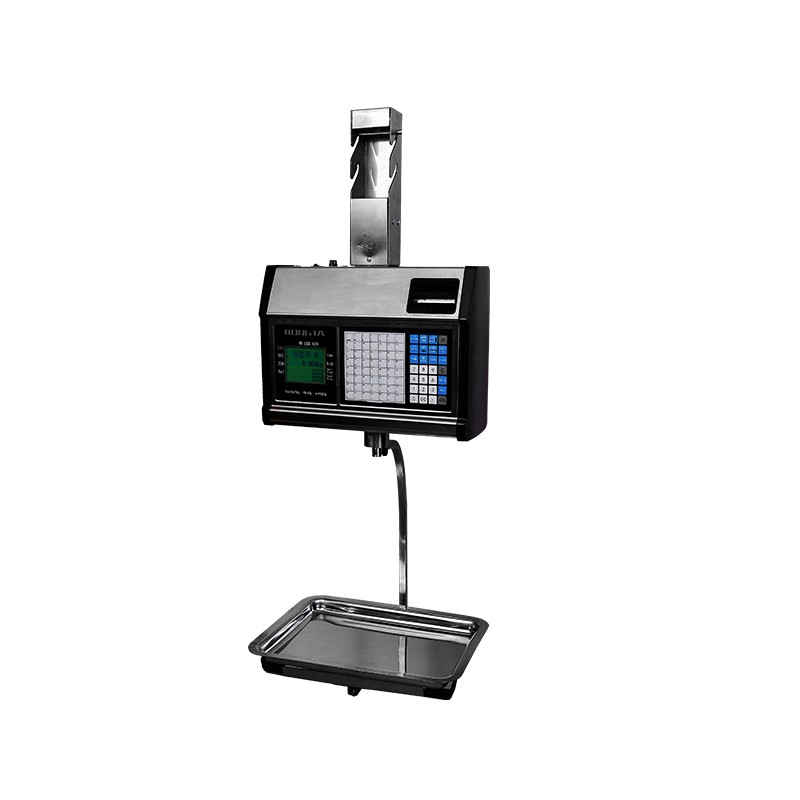 RLS1315/RLS1330
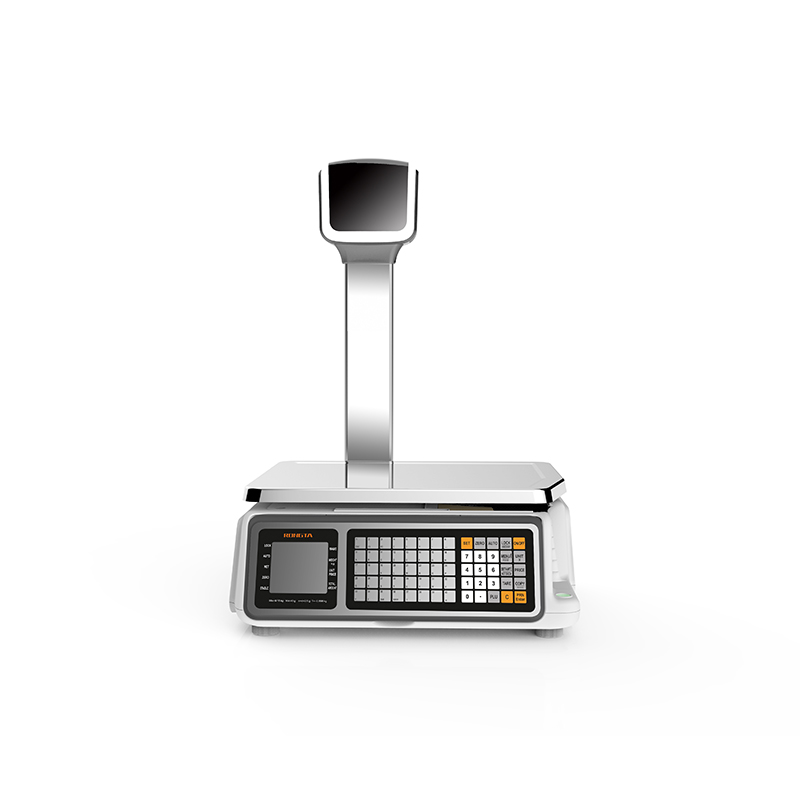 RLS1515/RLS1530
 RLS1000/RLS1100A
 RLS1000/RLS1100B
 C2-AI
 AURORA D2-AI
 AURORA S2L-AI
 AURORA Y2L-AI
 C1
 C11
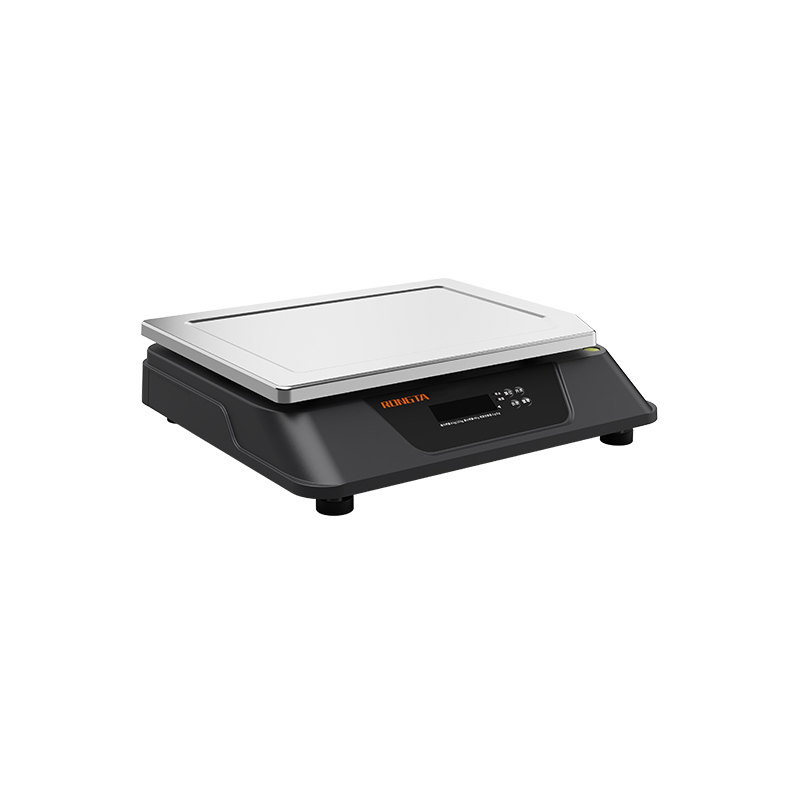 C3
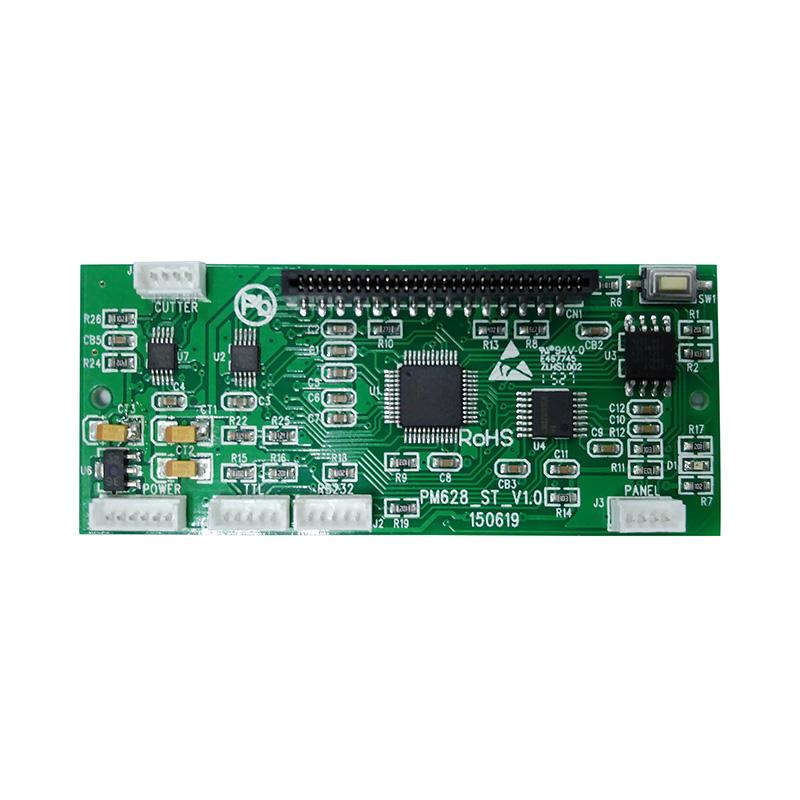 CB628
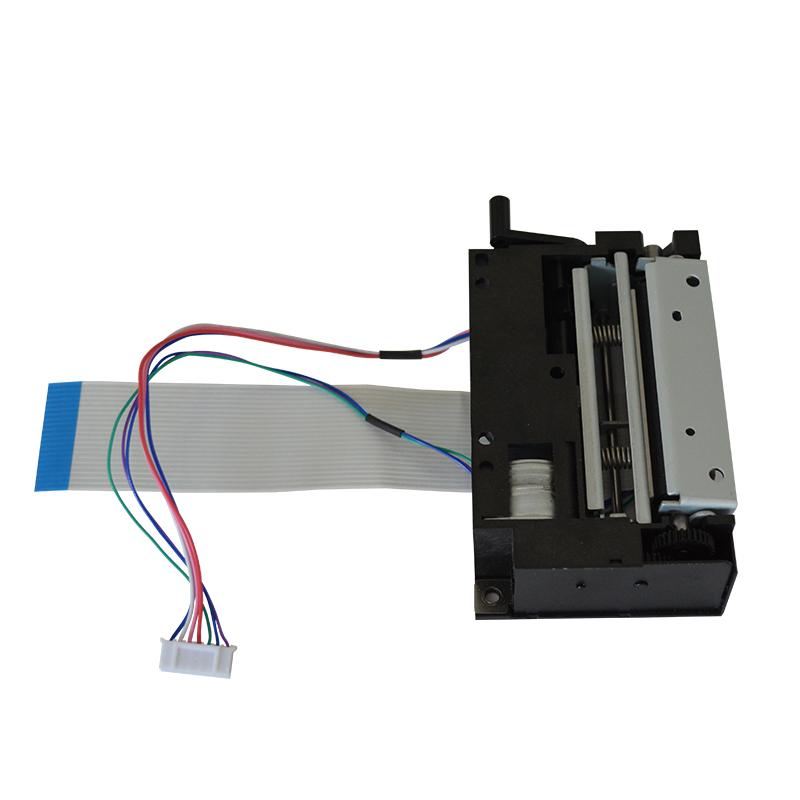 RT58
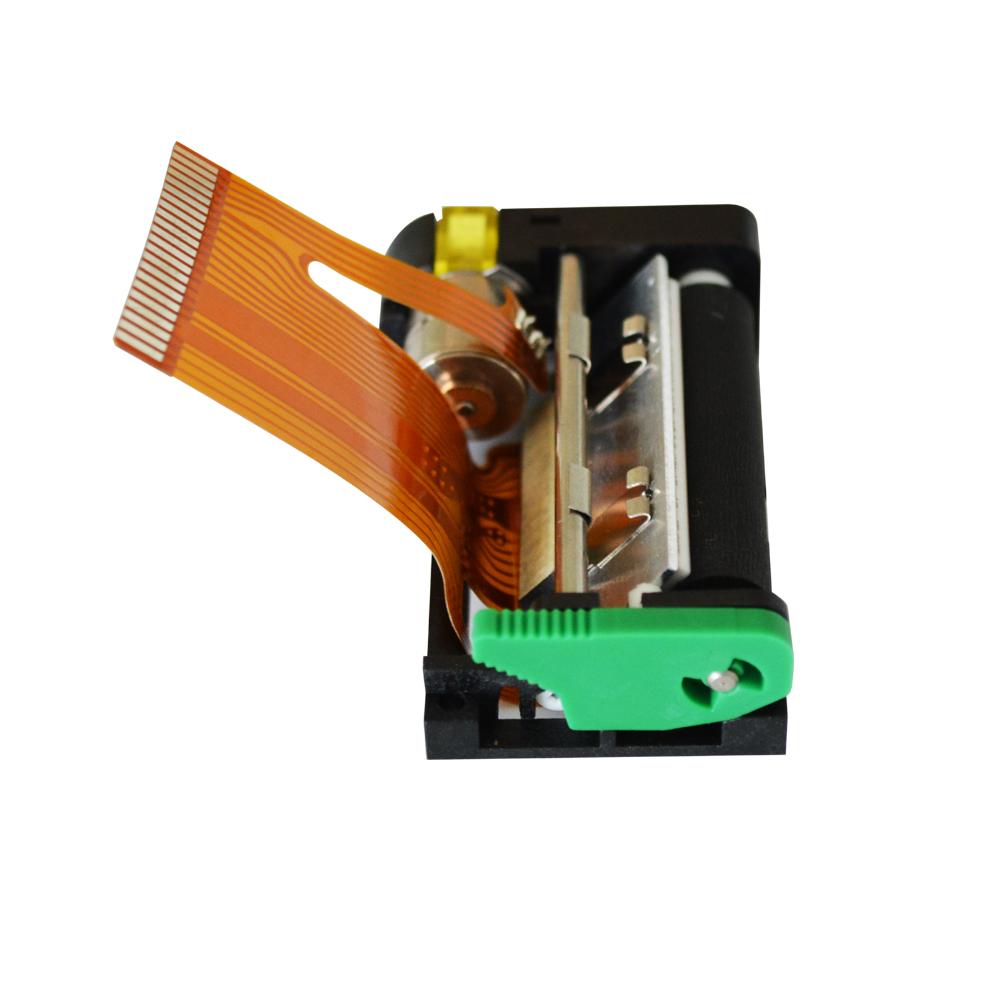 RT105
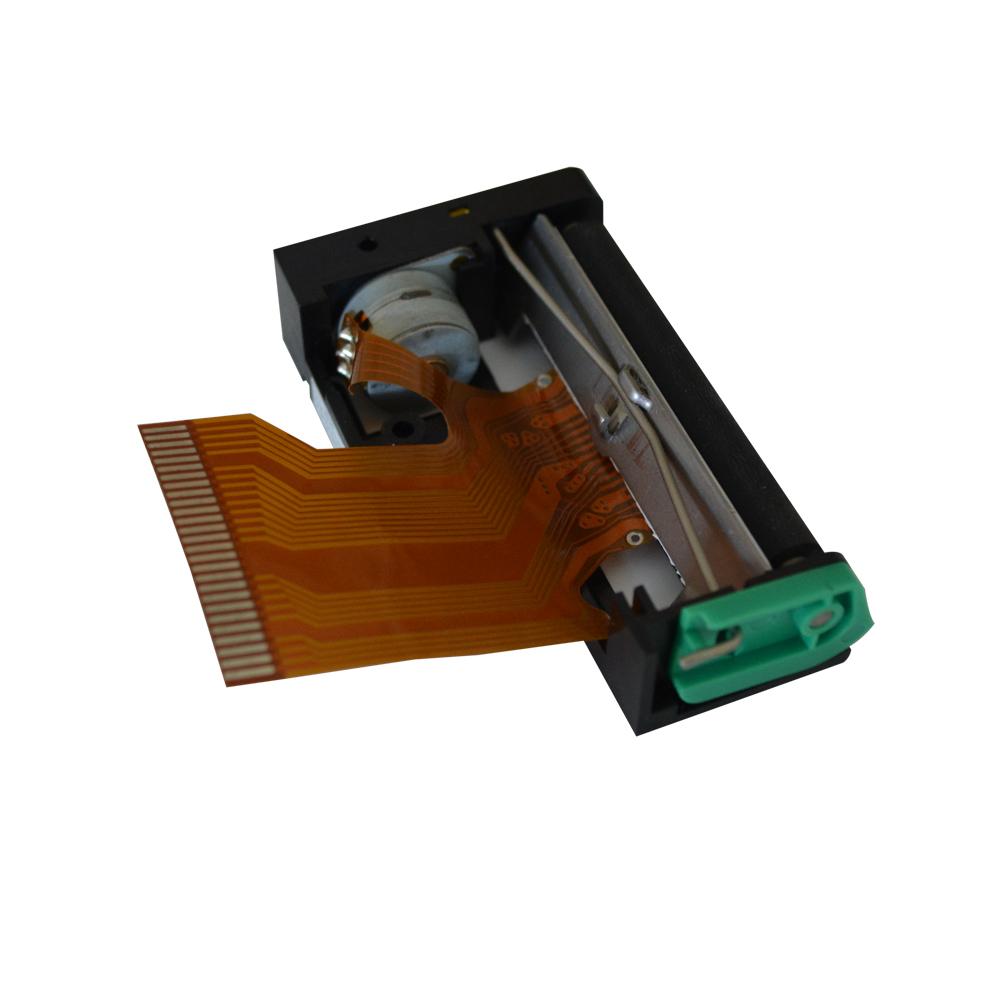 RT205MP
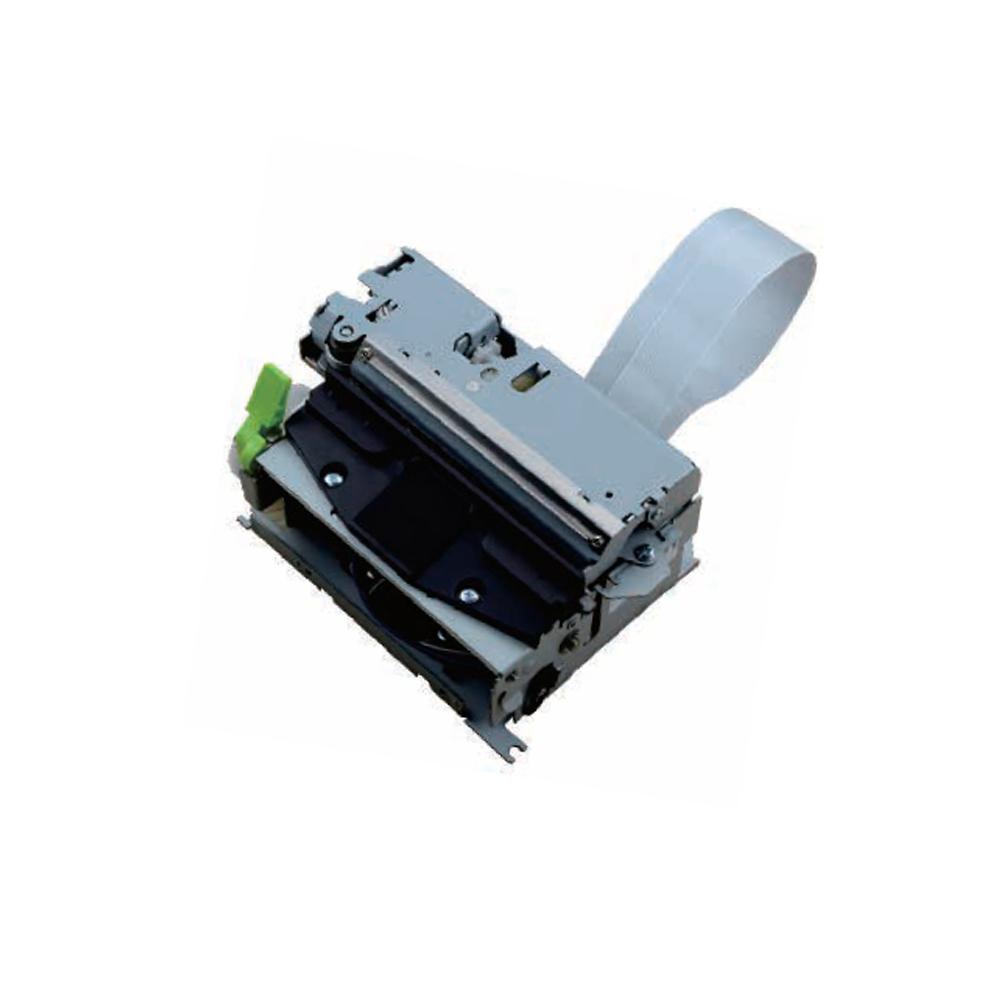 RT532
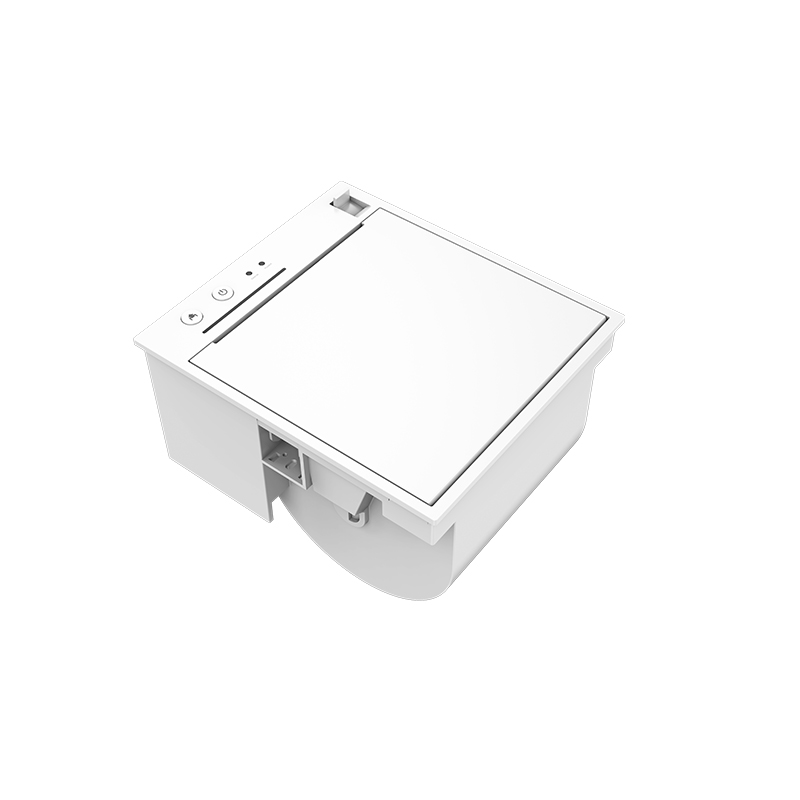 PM315
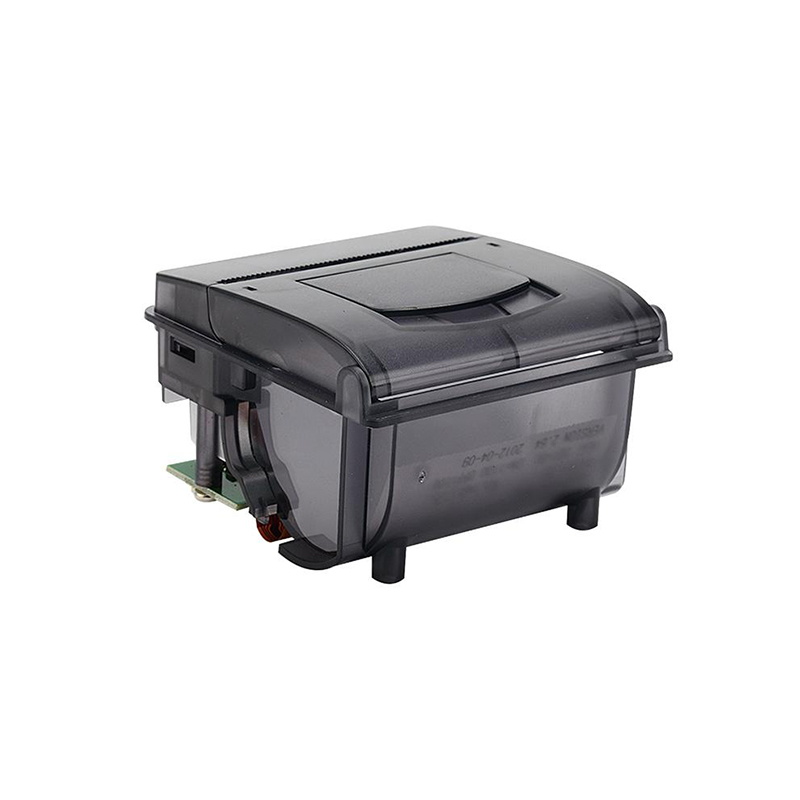 RP203
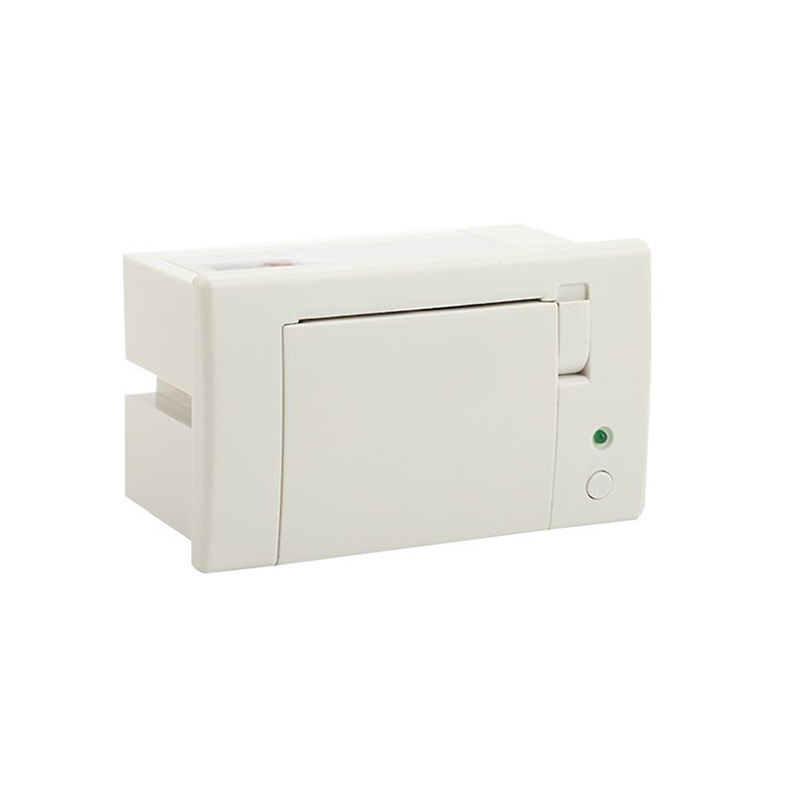 RP07
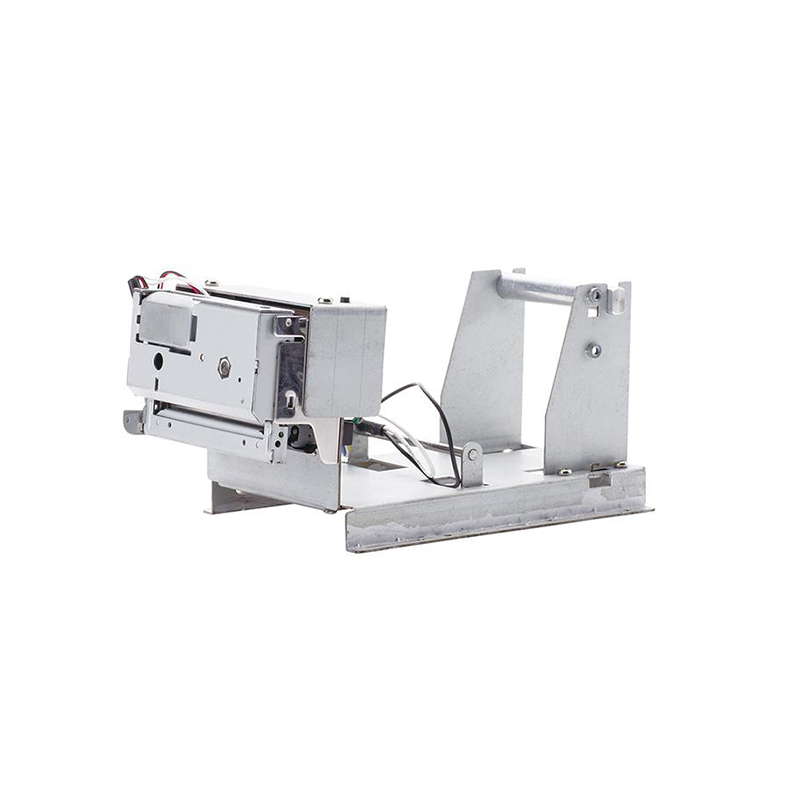 PM201
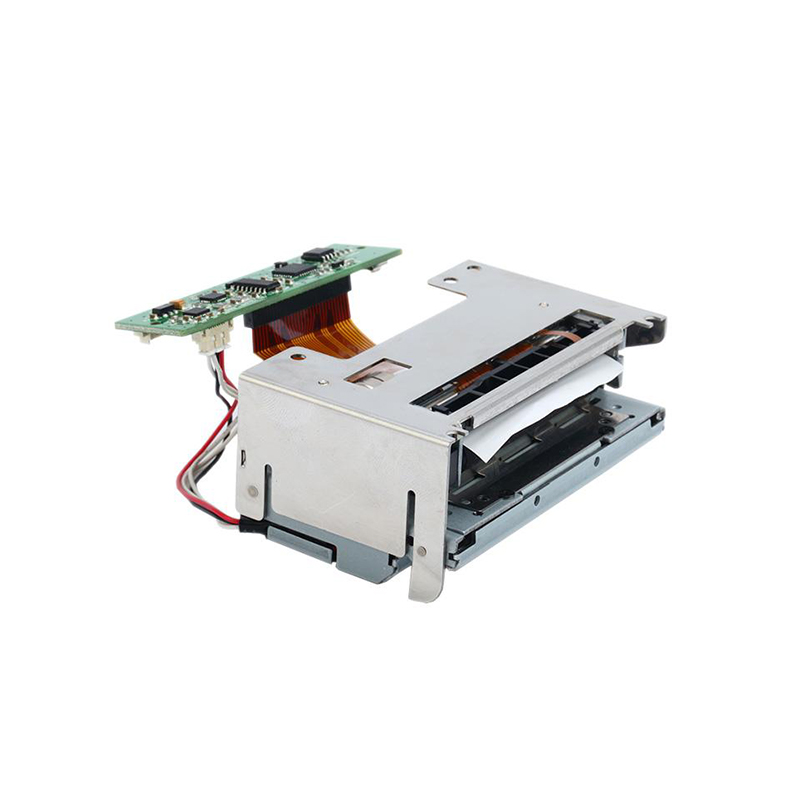 PM628
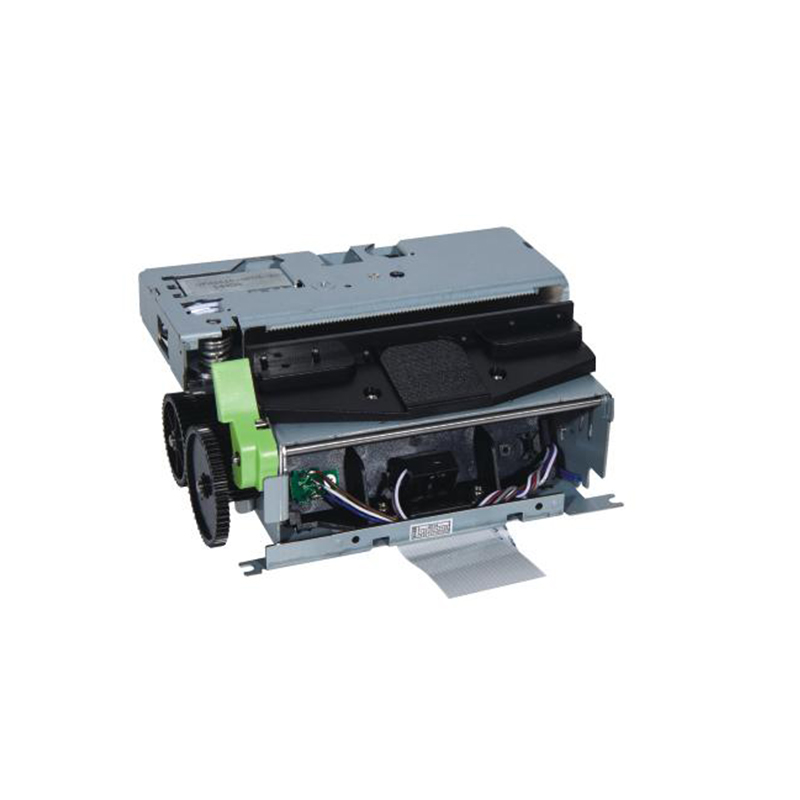 PM532A
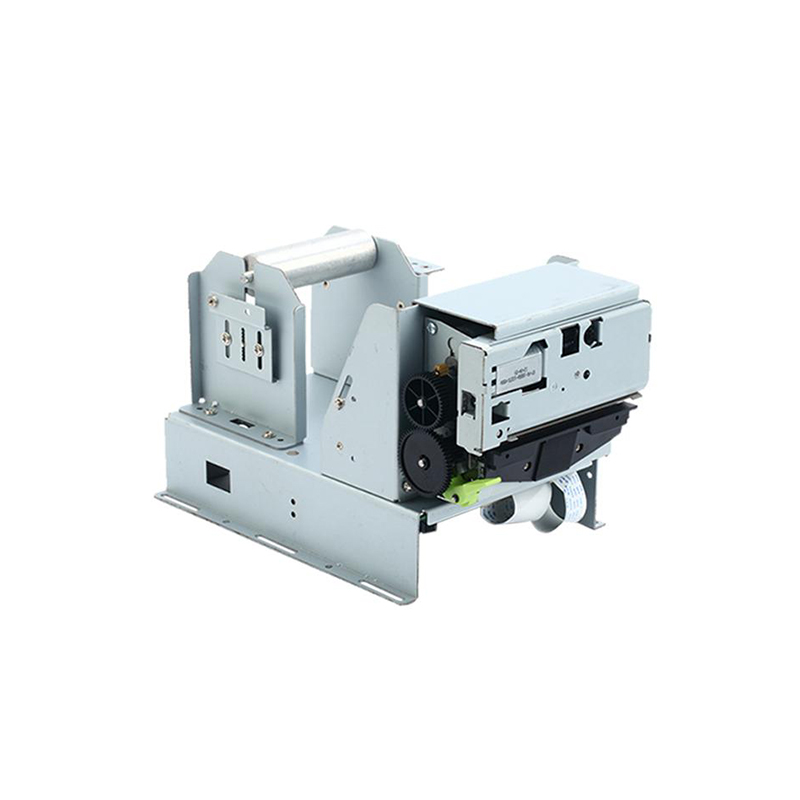 PM532B
 Retail
 Catering
 Medical
 Mobile Office/home
 Asset Management
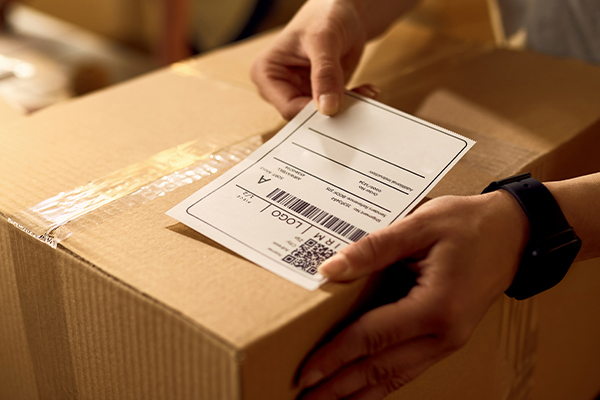 Logistics
 Driver Download
 User Manual
 Tool Download
 Label Design Software
 BarTender Video
 Product Video
 SDK
 FAQ
 Company News
 Exhibitions
 Industry News
 Product News
 Rongta Introduction
 Rongta Milestones
 Awards and Qualifications
 R&D Strength
 Rongta Team Activities
 Responsibility

Say Goodbye to Messy Labels – Small Businesses Can Also Use Professional Fixed Asset Management Solutions
Many small business owners think that asset management is something only big companies need to worry about. They believe an Excel sheet is good enough.
But in reality, Excel files often get lost when employees leave. Even if no one leaves, during year-end inventory, you still have to dig through drawers and shelves to find serial numbers and match models – it takes half a day, and you always miss a few items.
This inefficient cycle quietly wastes your time and labor costs every day.
Step 1: Choose the right labeling tool – stop handwriting and fading
Cheap handheld label printers cost only a few bucks, but the text they print is blurry. When you stick them on metal shelves, they curl and fall off within a month. If you wipe them with alcohol, the ink smears into a mess.
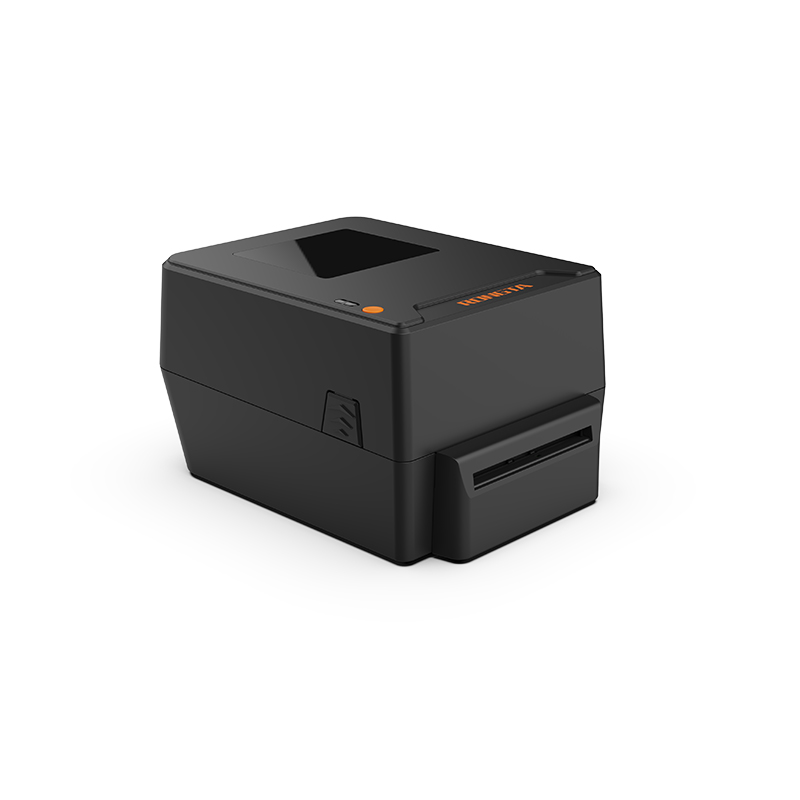
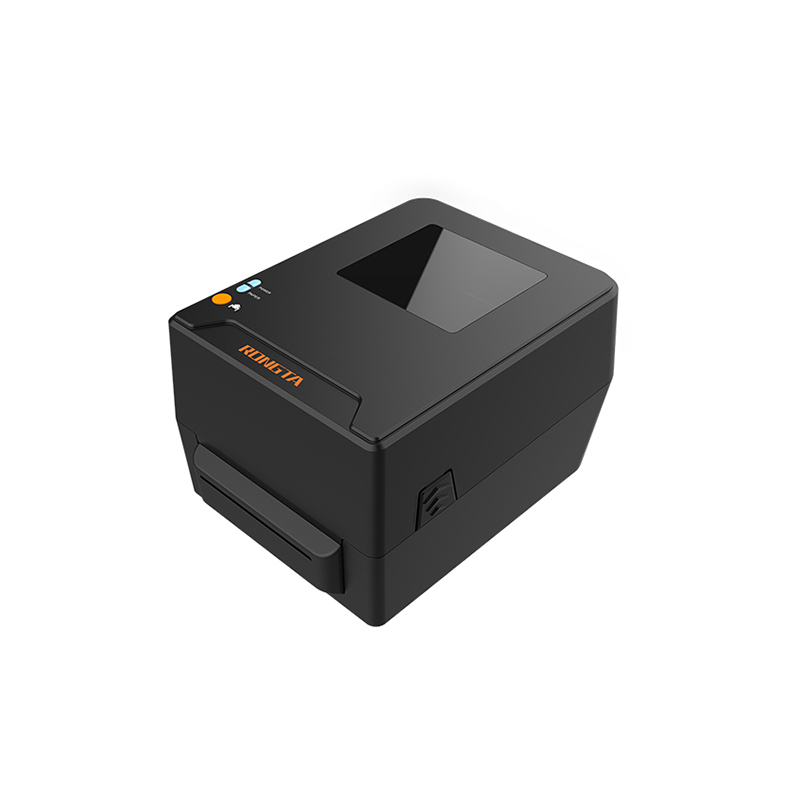
The real solution came when we switched to a thermal transfer label printer.
Core advantage of thermal transfer labels: The words look like were carved on.
Ordinary thermal paper labels fade after just two months in direct sunlight. Thermal transfer technology uses a ribbon to melt ink into the label material. The text isn't printed on the surface – it becomes part of the label itself.
Lab tests show these labels can withstand at least five years of sun exposure, friction, and chemical solvents. Even if the printer case gets scratched up, the QR code on the label still scans instantly and pulls up the equipment info.
300DPI high-precision printing – small labels look professional too
With 300DPI resolution, whether you're making fixed asset QR codes, printing serial number barcodes, or creating shelf partition signs, the result is sharp text and graphics with no jagged edges.
It also supports USB and serial port connections. You can design labels on your computer or connect it directly to your existing management system for real-time data sync.
Step 2: Save time every day – from onboarding to year-end inventory
Think about these real-life scenarios:
New employee onboarding: They take a laptop. Instead of searching through Excel, you open the software, enter the model, purchase date, and assignee, then print and stick the label with one click.
Employee departure: Scan the label and see the complete history – who used it, how many times it was repaired, what software was installed. Everything is clear.
Year-end inventory: Walk around with a scanner, scan each label, and the system automatically generates a report. You can see which department has the most assets and which equipment needs to be retired – at a glance.
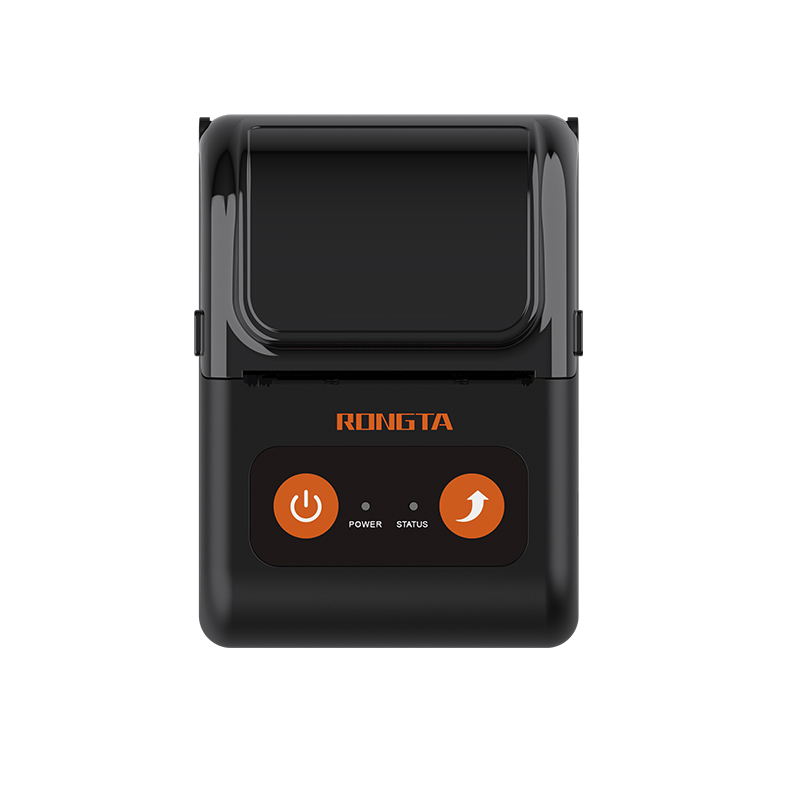
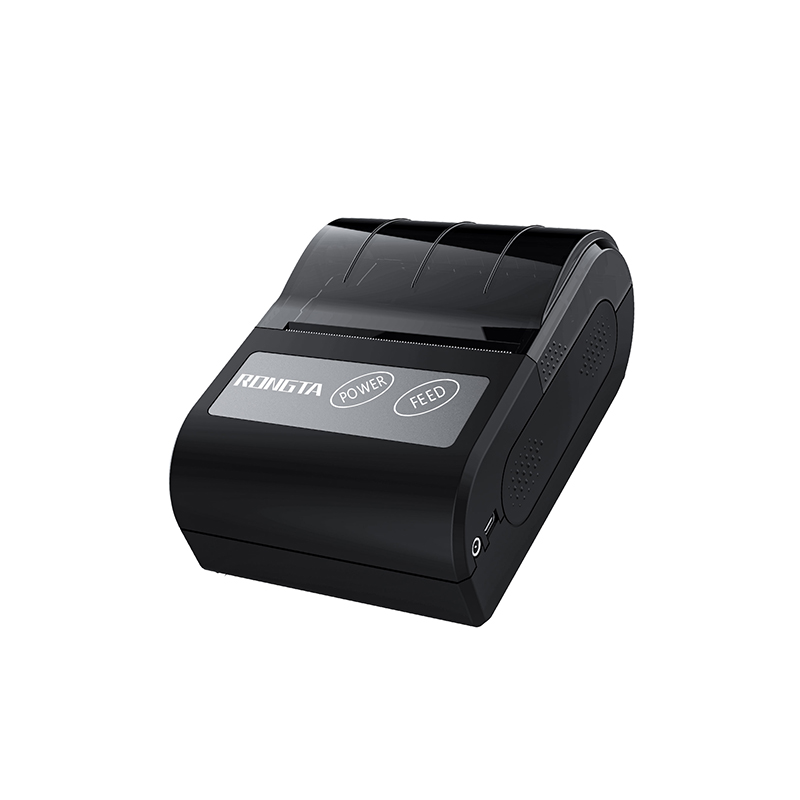
Step 3: A compact thermal printer for small offices – perfect for shipping labels and temporary tags
Many small companies have tight office space. Desks are already full of files and monitors – squeezing in a traditional printer is tough. That's where a compact thermal printer comes in handy.
Small size, doesn't take up much space
It's more than half the size of a regular printer. You can put it in a corner of your desk or even slide it into a drawer. But don't let its size fool you – it prints much faster than older models. For daily shipping labels, warehouse pick lists, and temporary tags, it's almost instant.
It's especially helpful during peak e-commerce seasons – orders come in, you tap once, and the label prints out. No waiting for warm-up or calibration.
With Bluetooth, you can print directly from your phone or tablet.
For example, if you're counting stock in the warehouse and find an item that needs a new label, just pull out your phone, take a photo of the product, enter the basic info, and print the label on the spot.
Step 4: Thermal transfer and thermal – two types work better together
Some people ask: if thermal transfer labels are so good, why recommend thermal printers too?
The truth is, they don't replace each other – they complement each other.
|
Type |
Best for |
Advantage |
Note |
|
Thermal transfer printer |
Fixed asset labels, equipment nameplates, outdoor signs |
Durable, sun-resistant, scratch-resistant, long-lasting |
Slightly higher cost, but a one-time investment with long-term benefits |
|
Thermal printer |
Shipping labels, warehouse temporary tags, high-frequency printing |
Fast, cheap consumables, easy to reload paper |
Thermal labels fade under high heat and strong light – not for outdoor or long-term exposure |
Step 5: Two tools together solve the three biggest headaches
- No more lost equipment
Each device gets a durable label. Scan it with your phone and you see purchase date, warranty, repair records, and even attached e-invoices.
- Warehouse inventory is much clearer
The thermal printer handles shipping labels and temporary tags quickly. The thermal transfer printer makes shelf signs and box labels. One handles "speed," the other handles "accuracy."
- Label printing is much faster
Before, printing one label meant turning on your computer, opening Excel, adjusting the format, printing, cutting, and pasting – at least five minutes. Now, just scan with your phone, tap once, and it's done in 30 seconds.
So, which one should you choose?
Managing fixed assets, equipment nameplates, long-term signs → Buy a thermal transfer printer
Printing shipping labels, warehouse temporary tags, daily high-frequency use → Buy a thermal printer
Want to cover all scenarios in one go → Buy both. Each does its own job, and overall efficiency goes way up.