

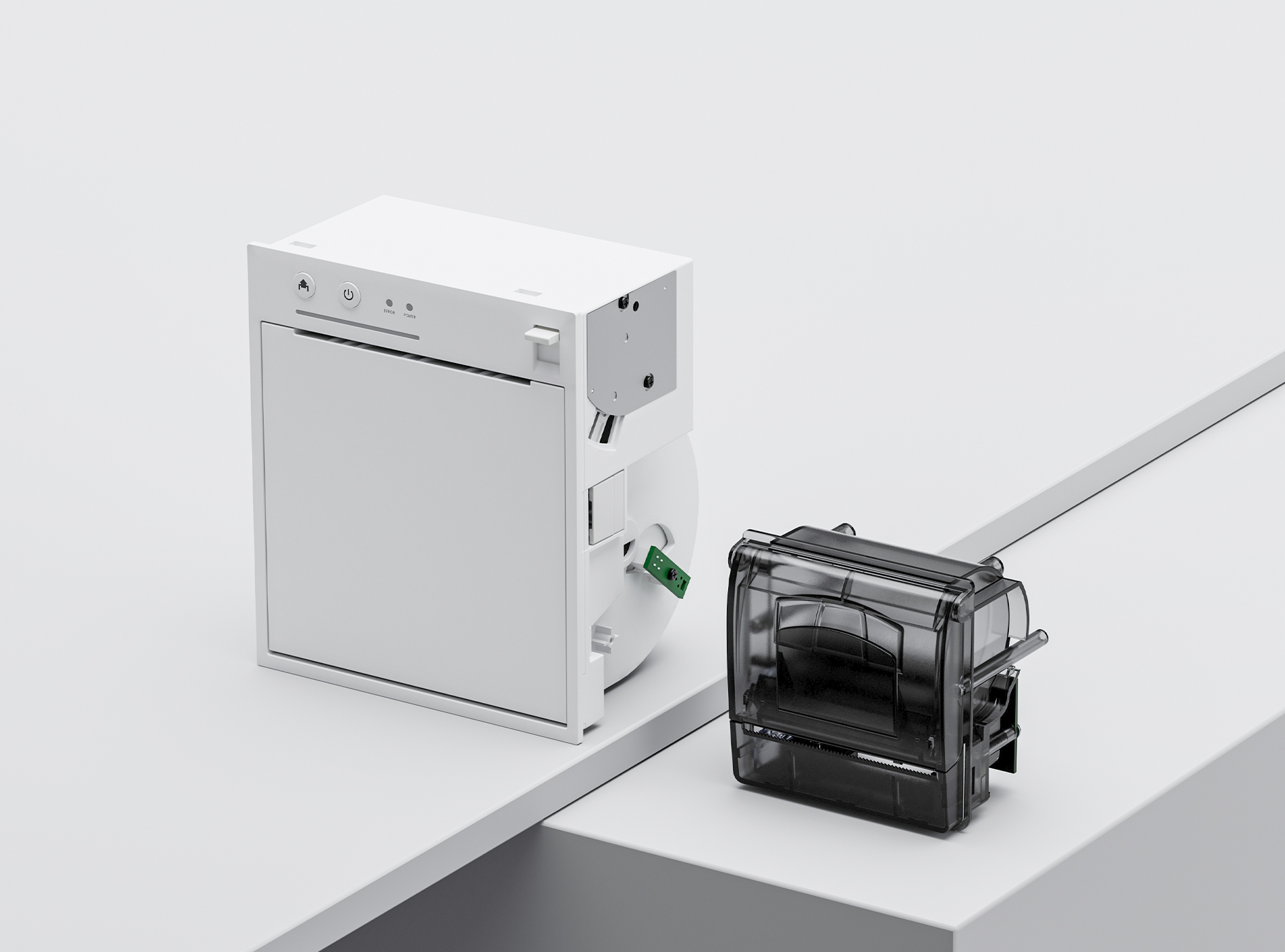
 80mm Receipt Printer
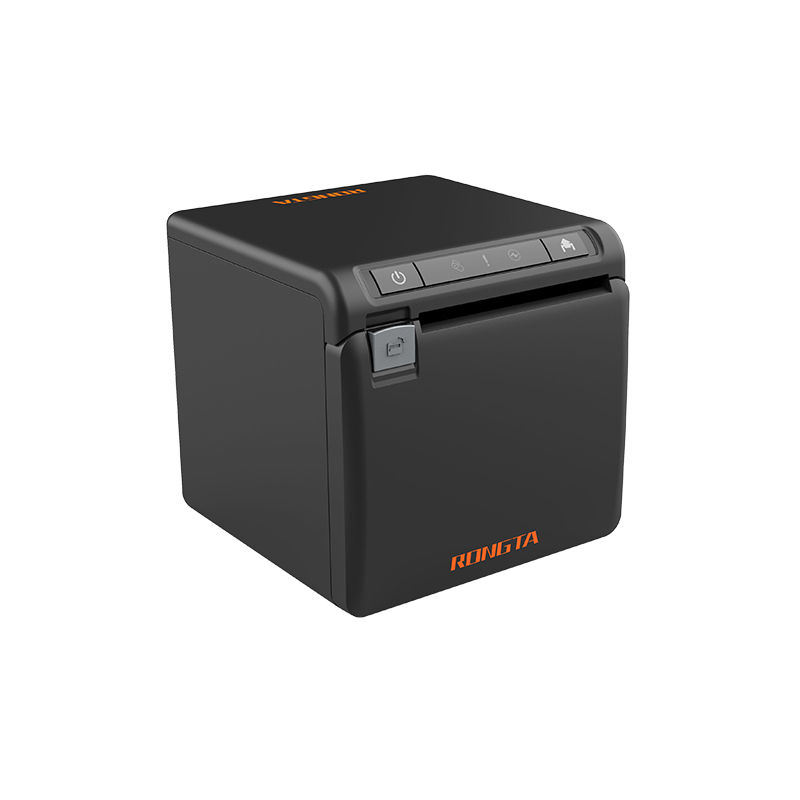 ACE H2
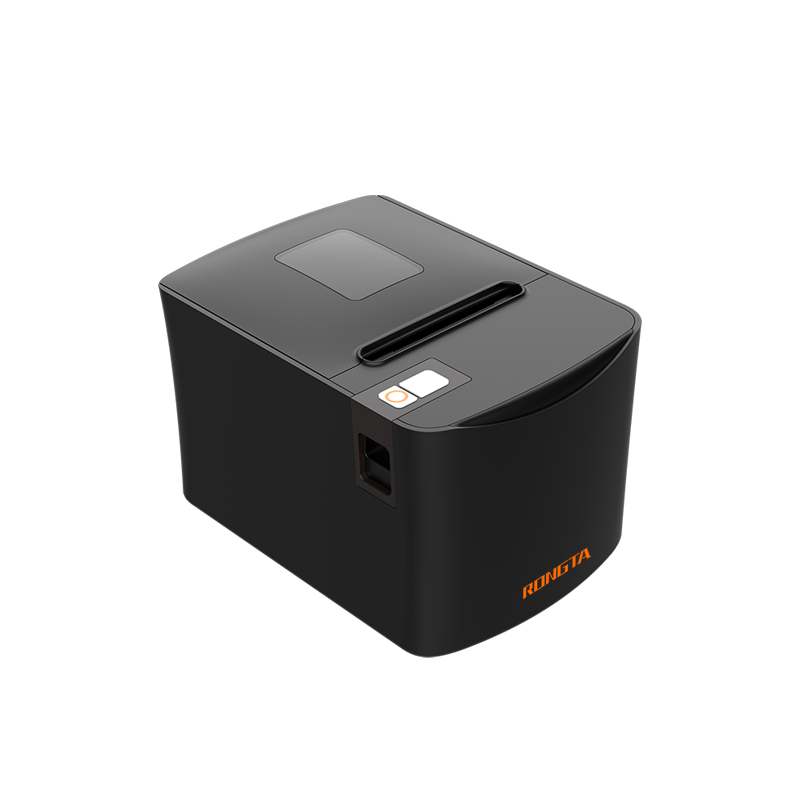 RP331
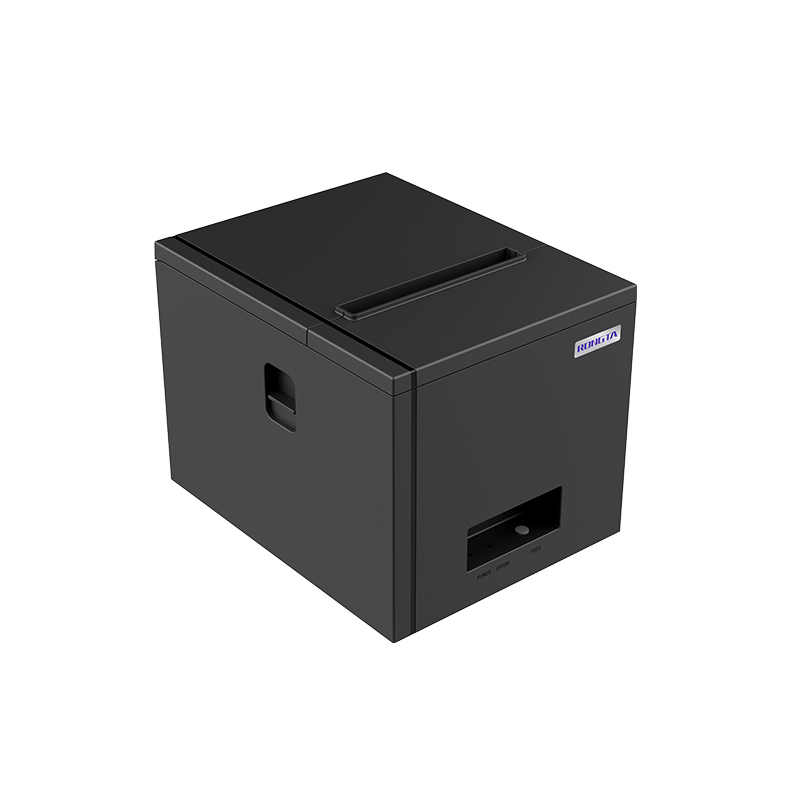 RP350
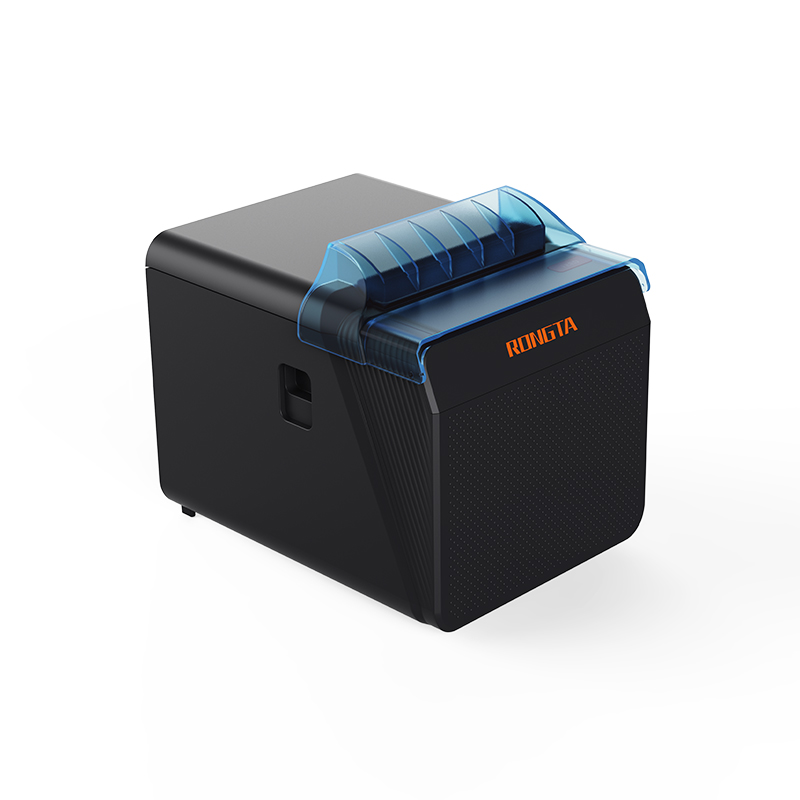 RP337
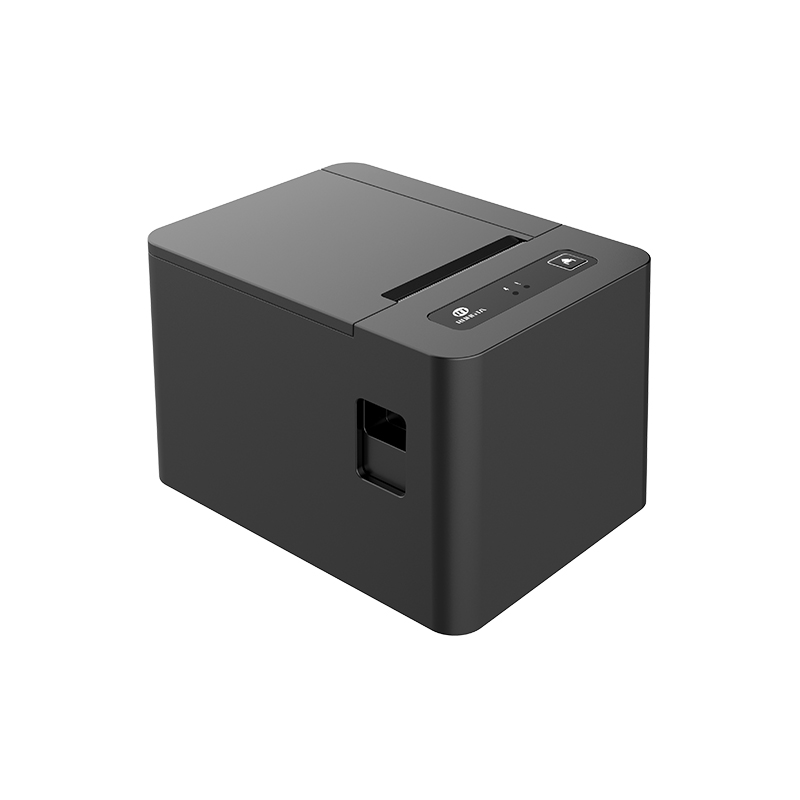 RP582
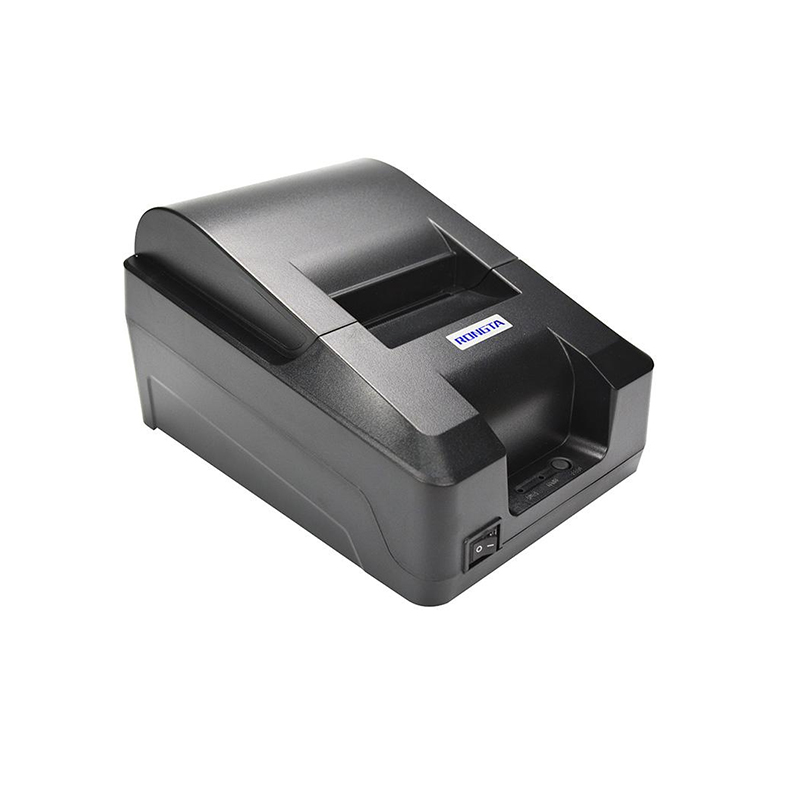 RP58A
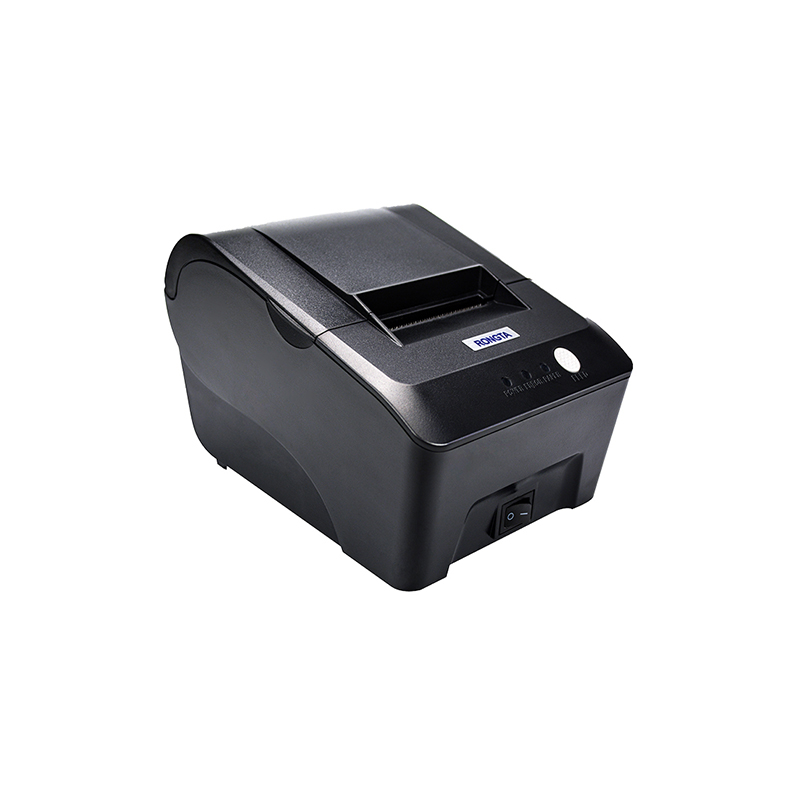 RP58E
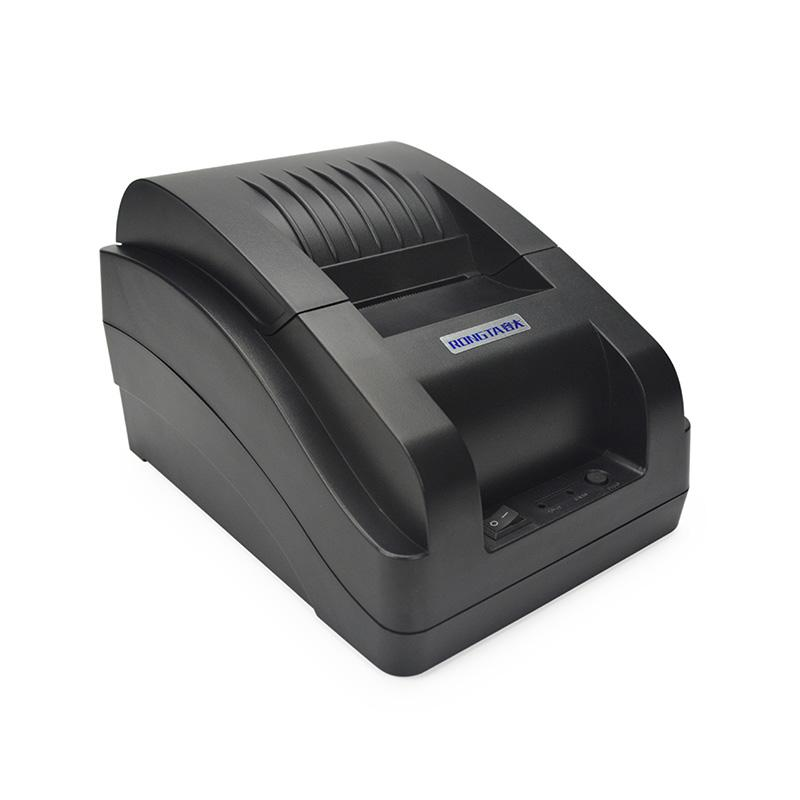 RP58B
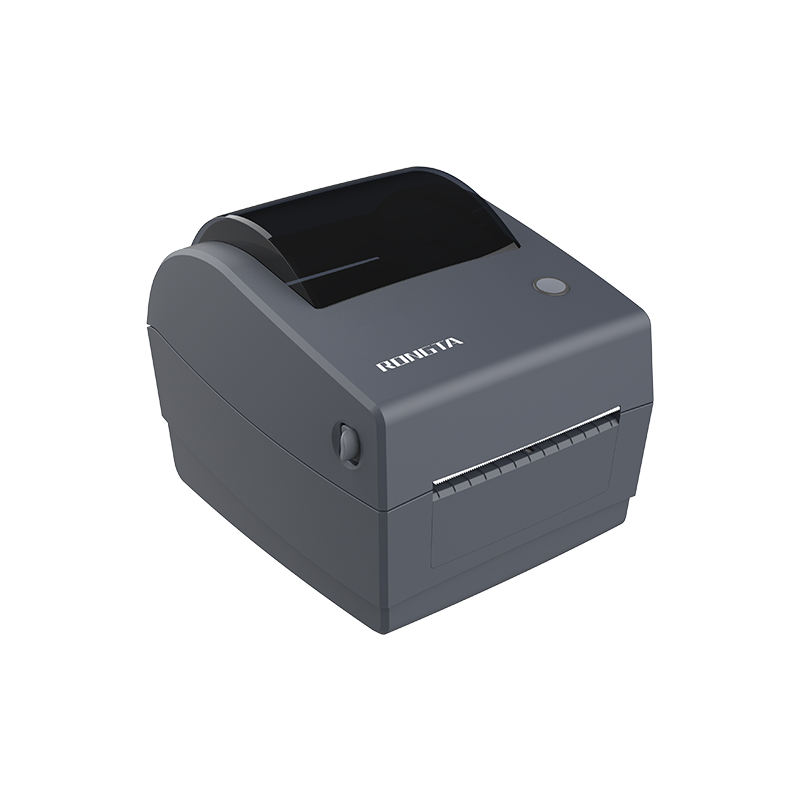 RP310D
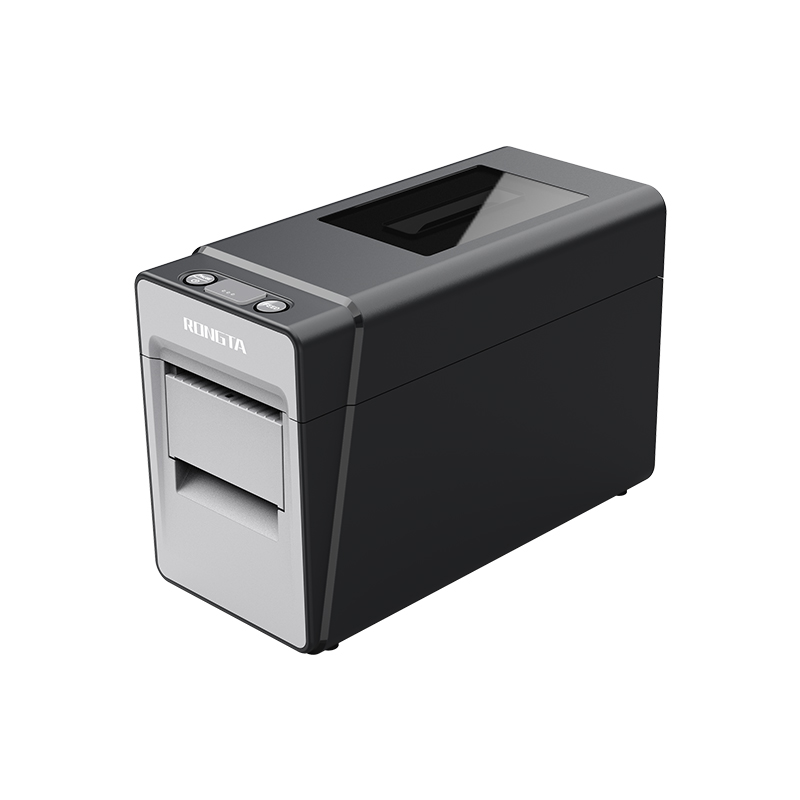 RP216
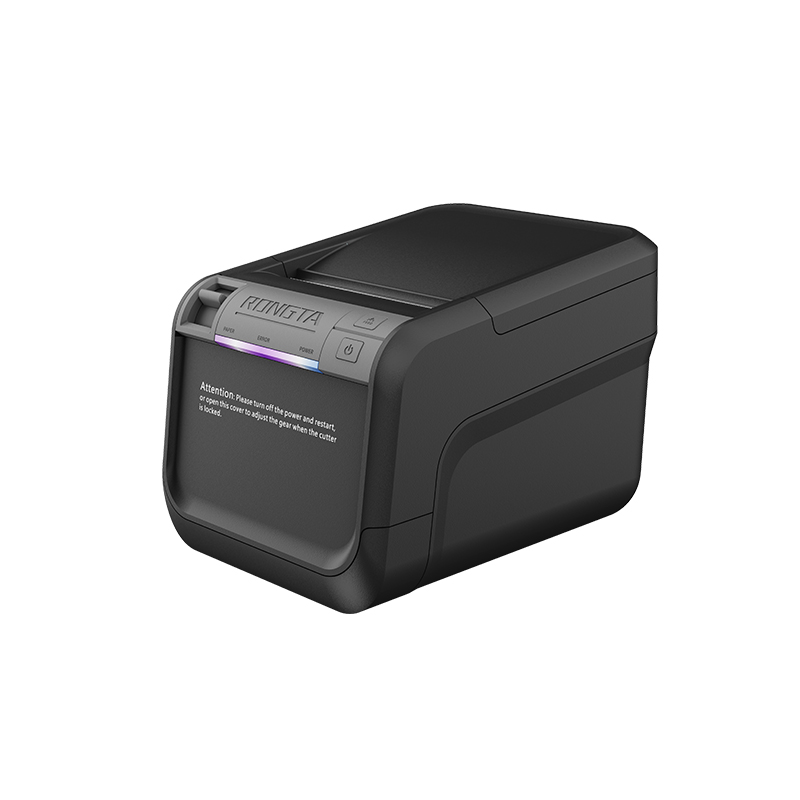 ACE V1S
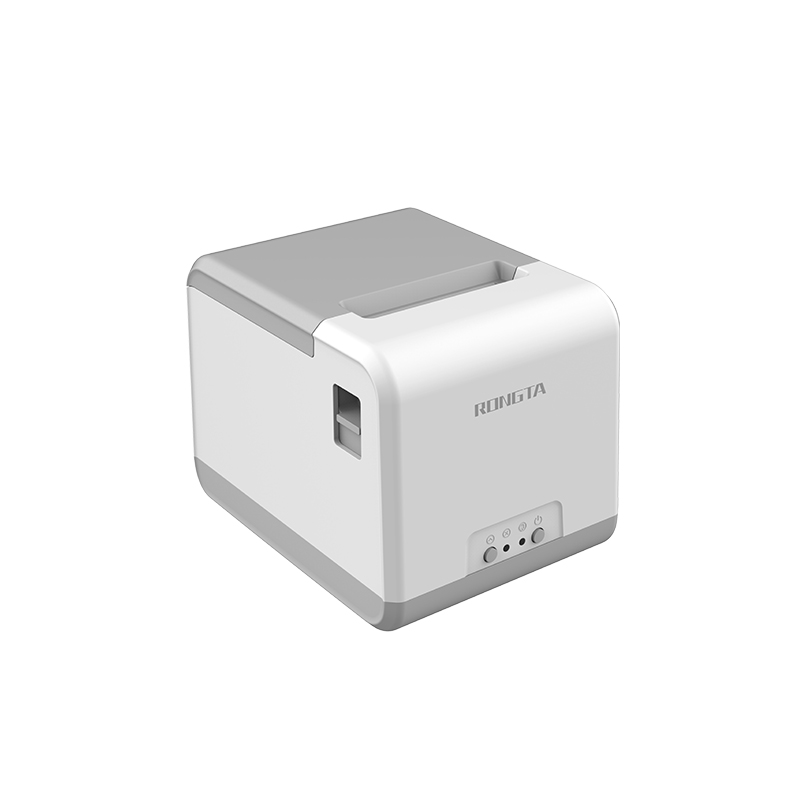 RP211
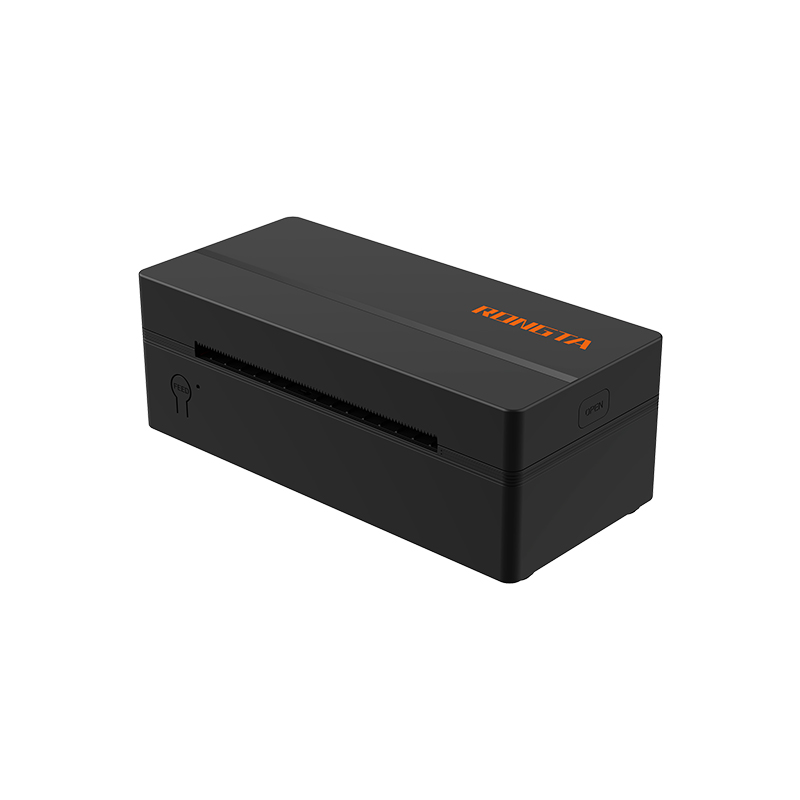 RP425/RP425C
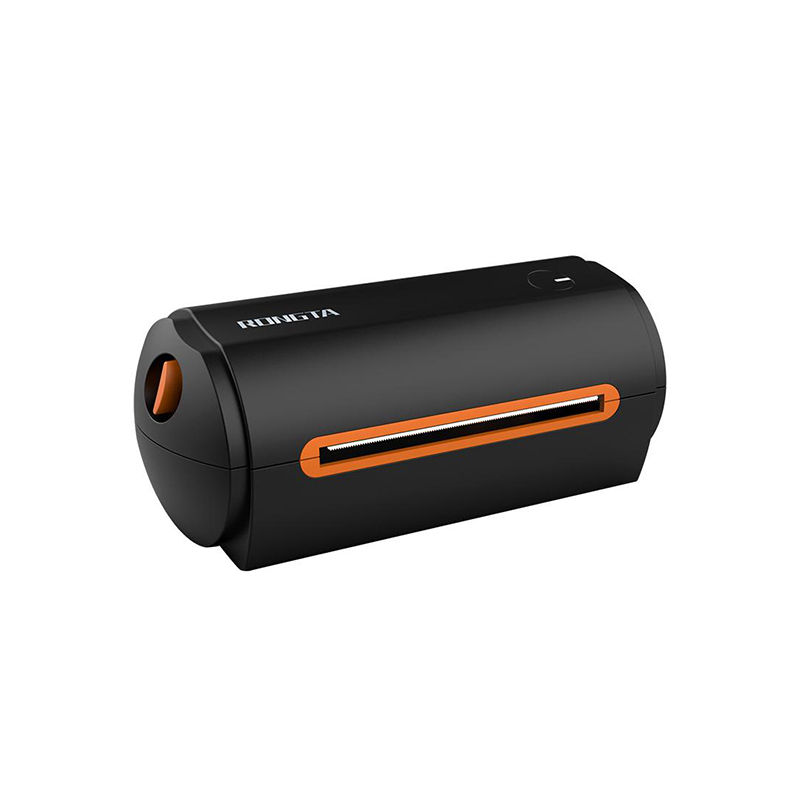 RP422
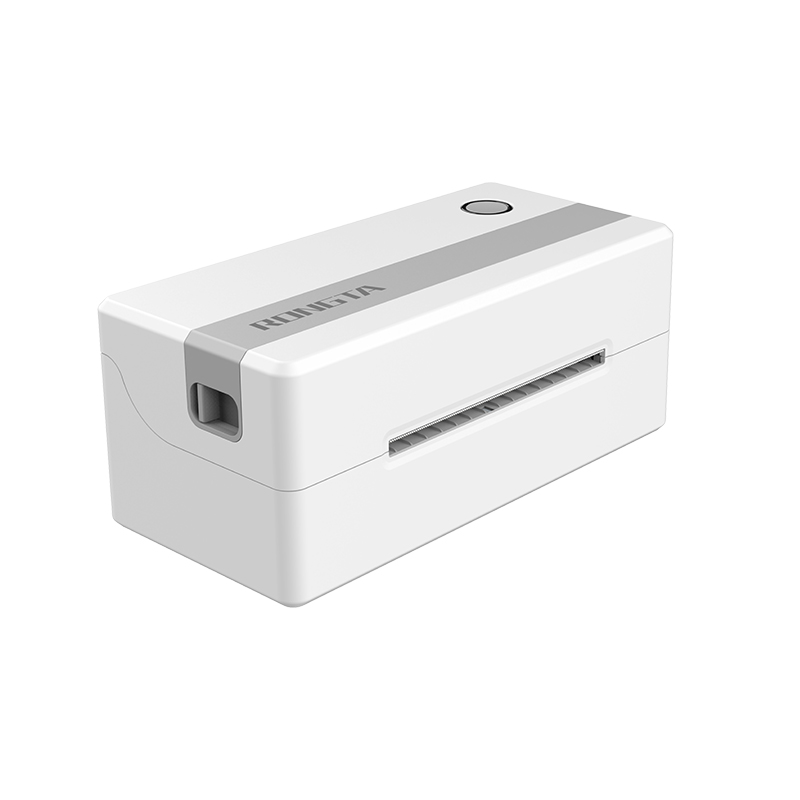 RP421A-Airprint
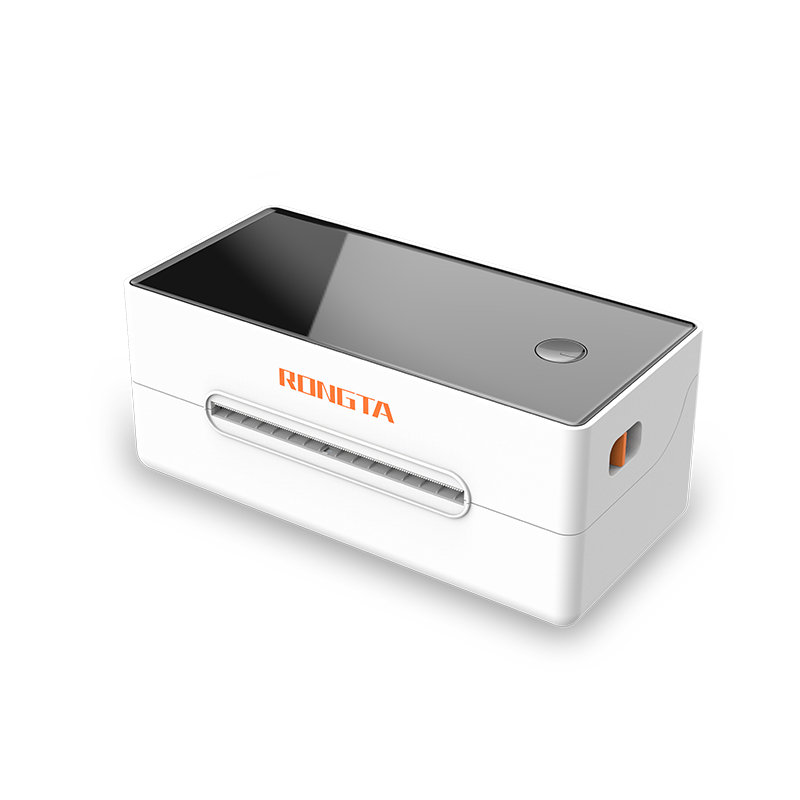 RP421
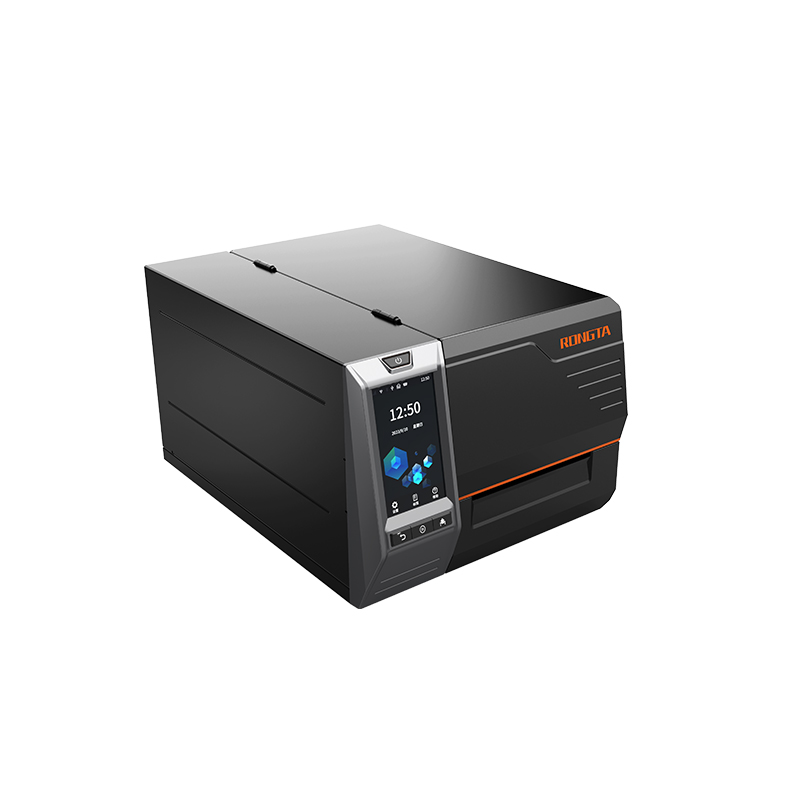 RI460/RI463/RI460r
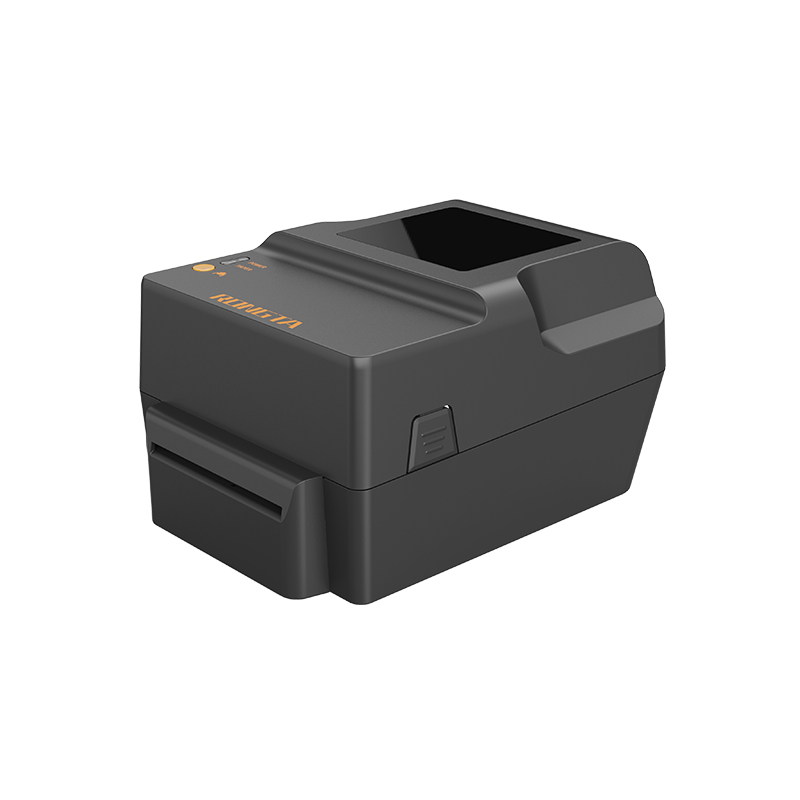 RP400H
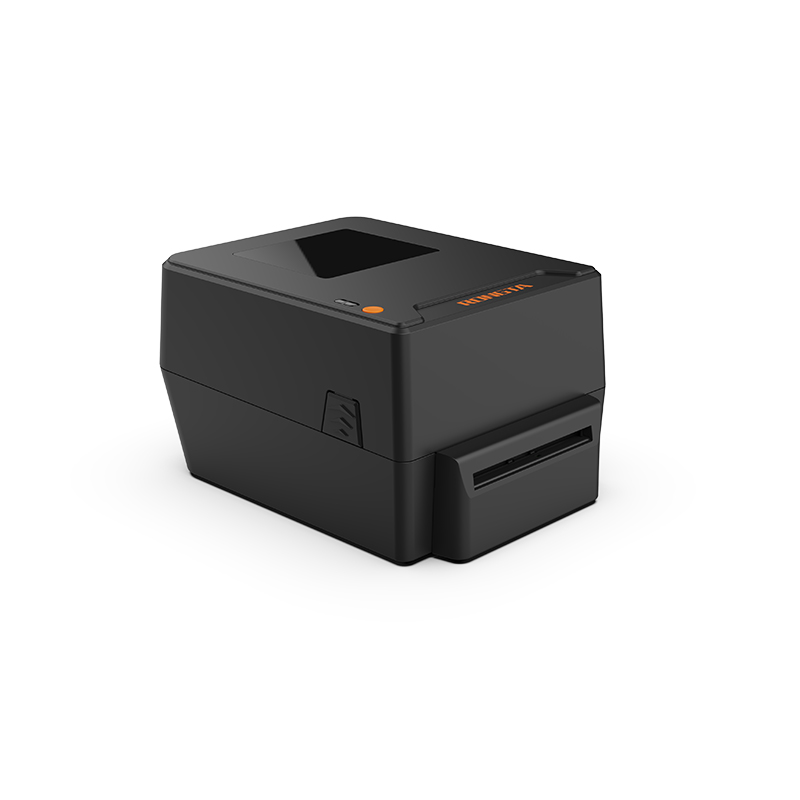 RP400A
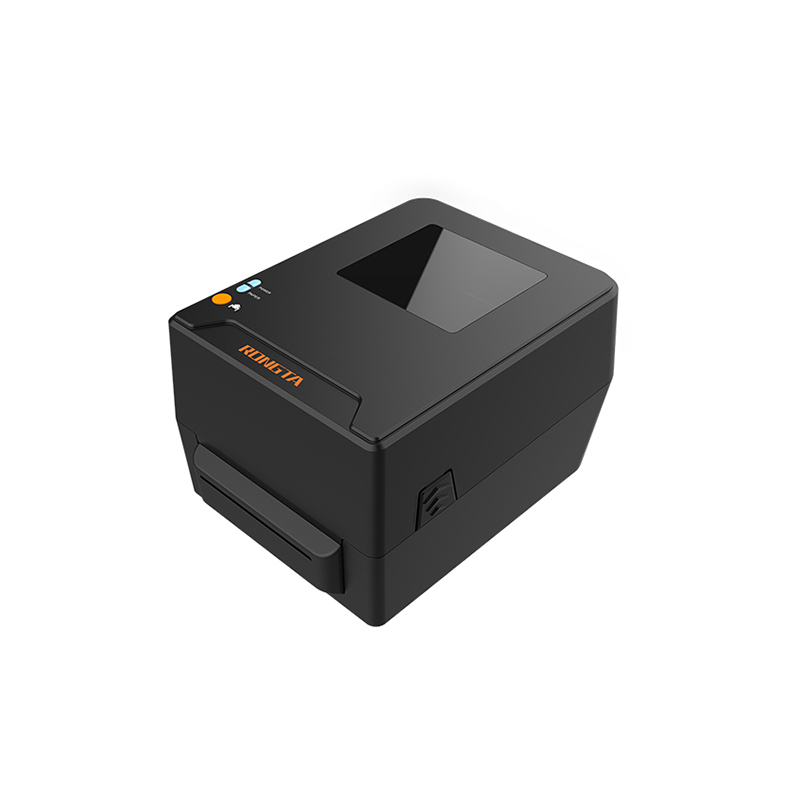 RPF412
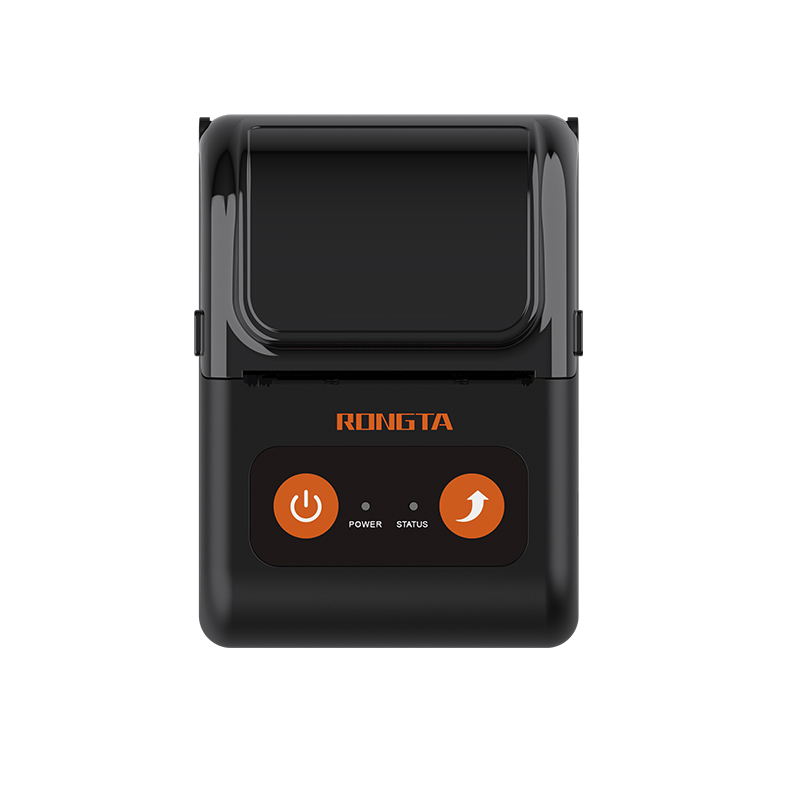 RPP02C
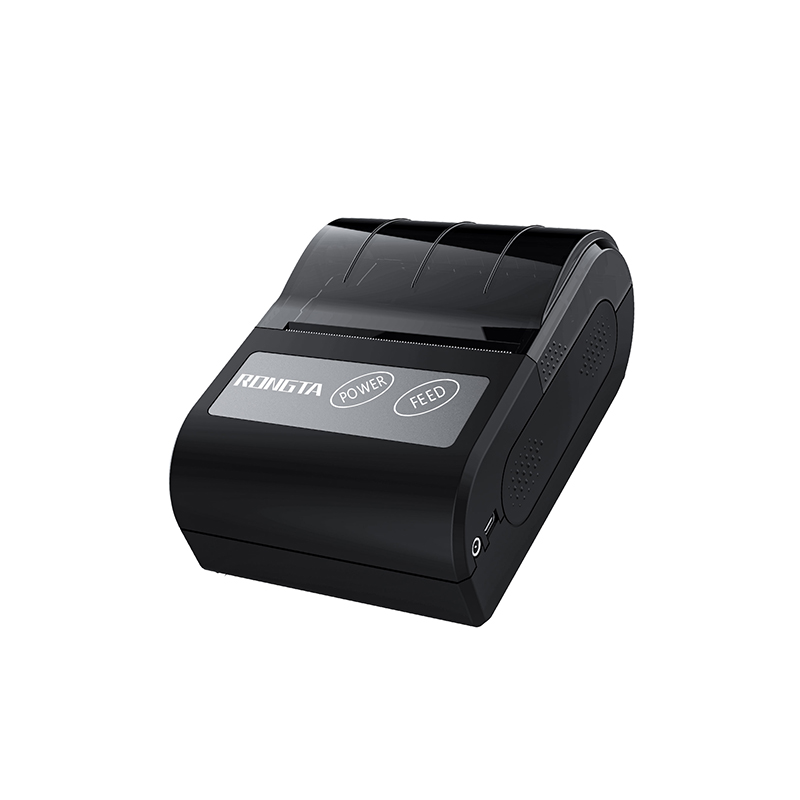 RPP02N
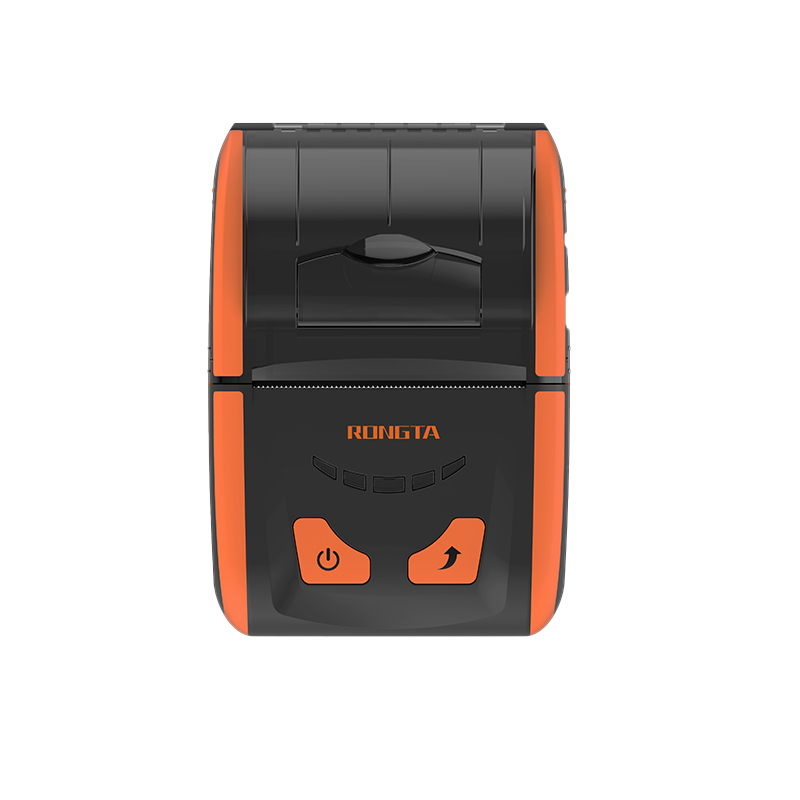 RPP200
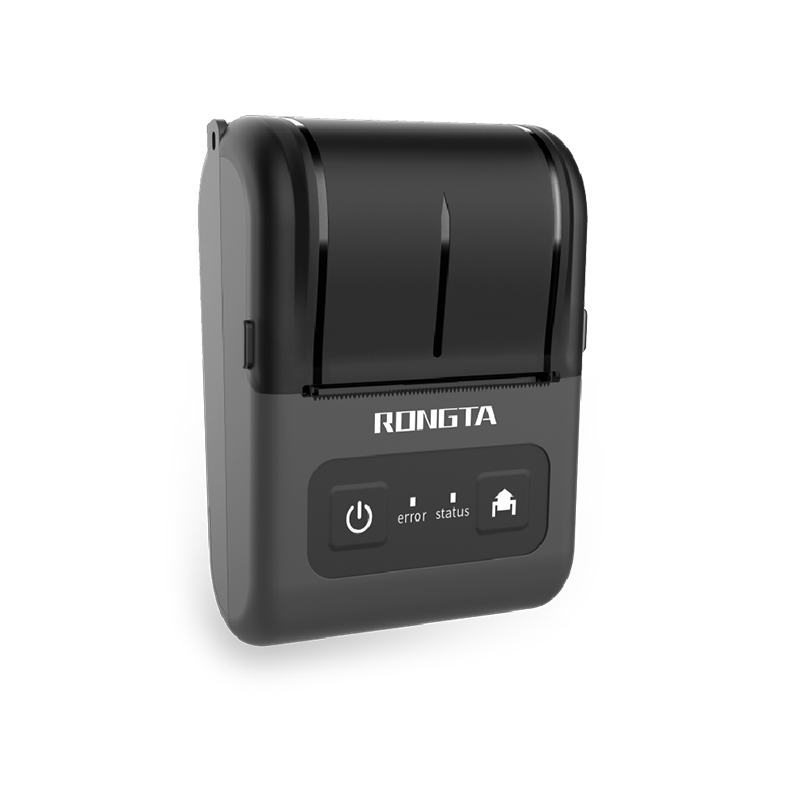 RPP02D
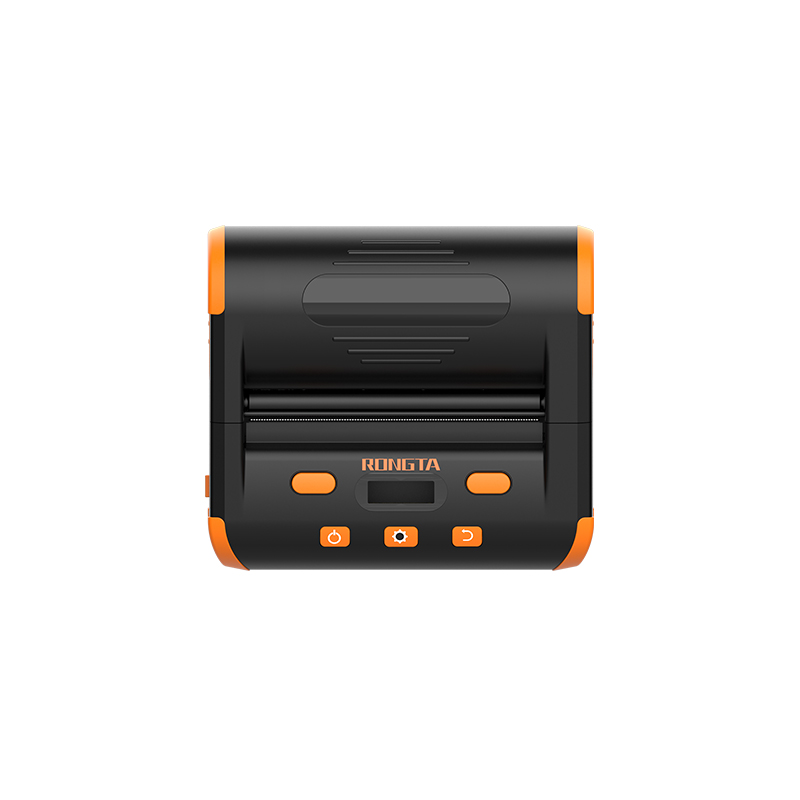 RPP04
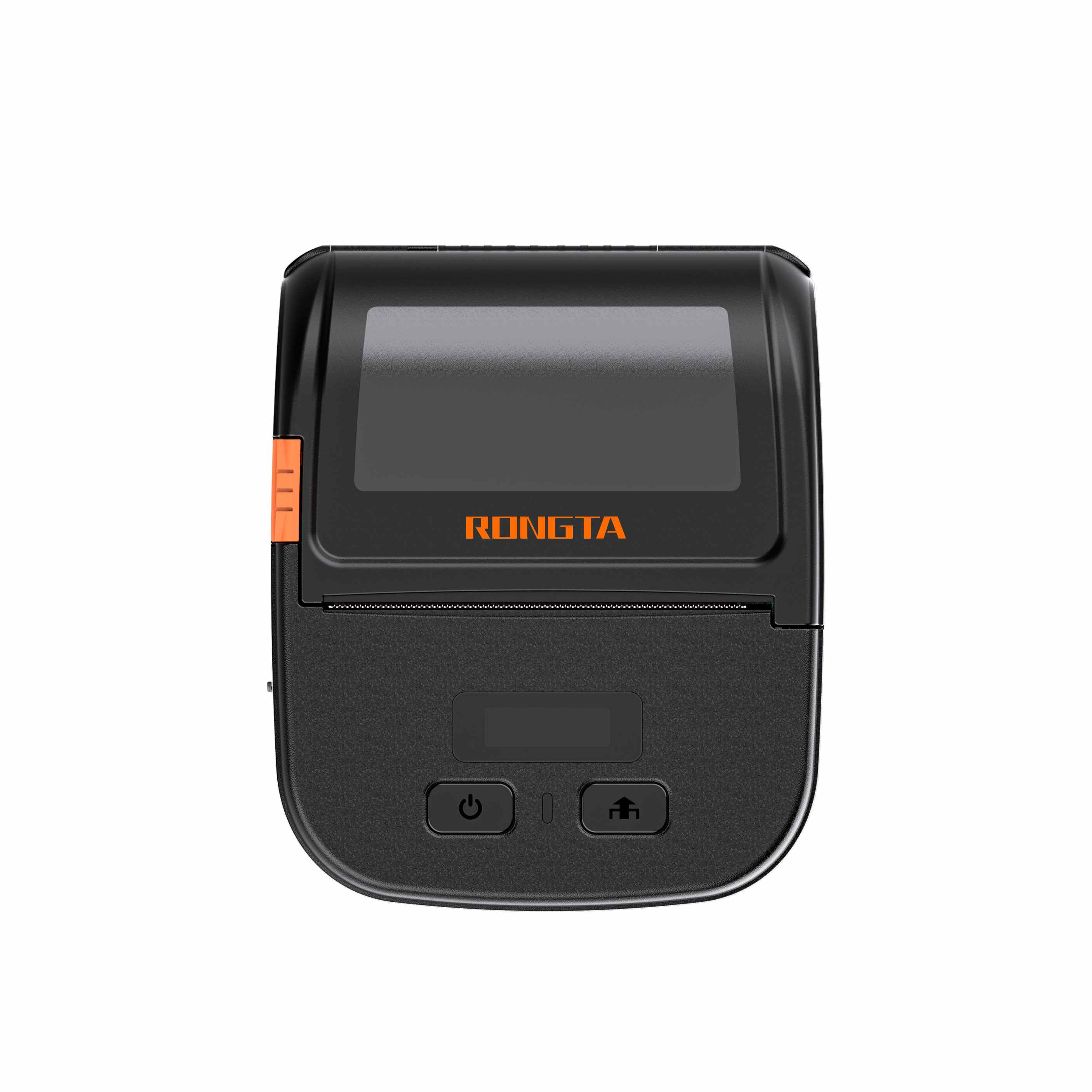 RPP30
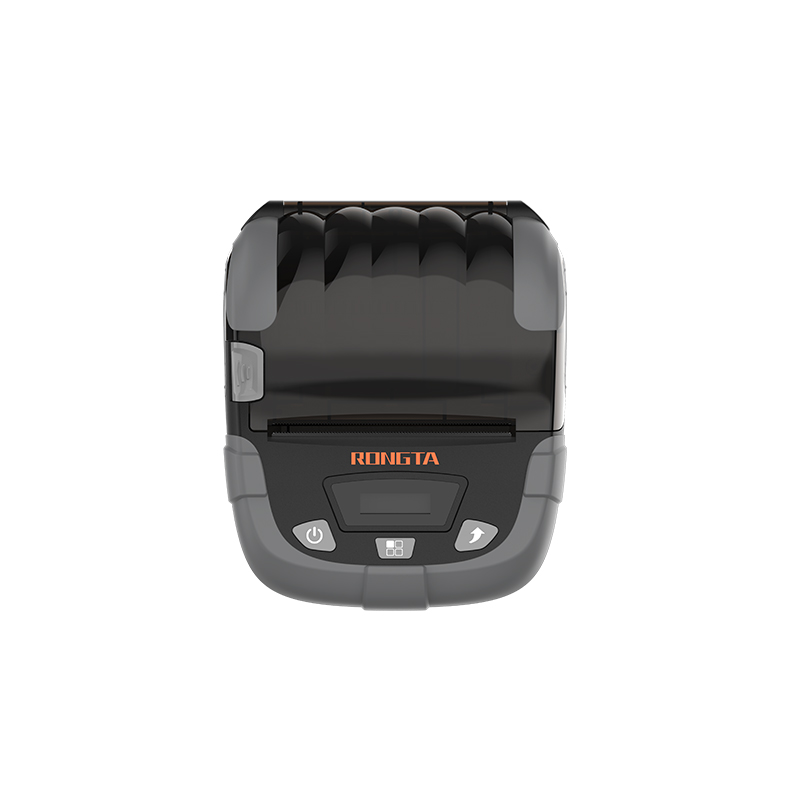 RPP320
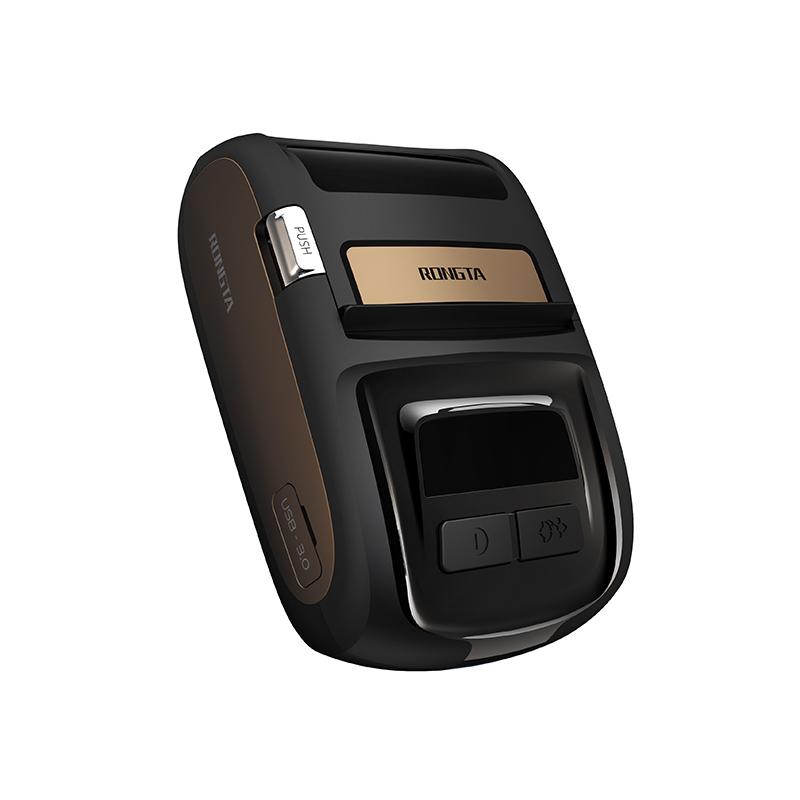 ACE M1
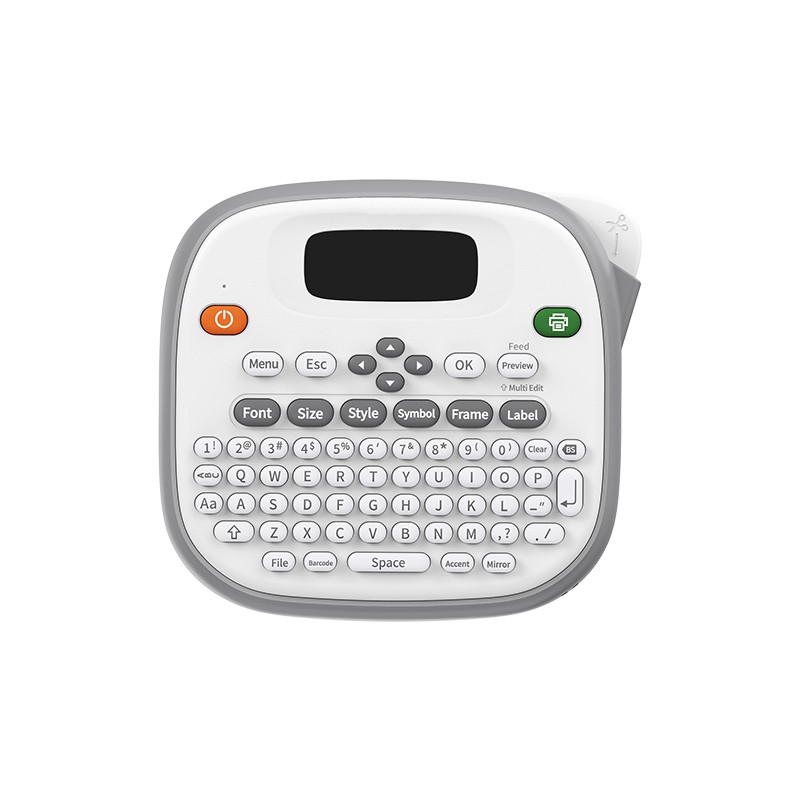 TD210
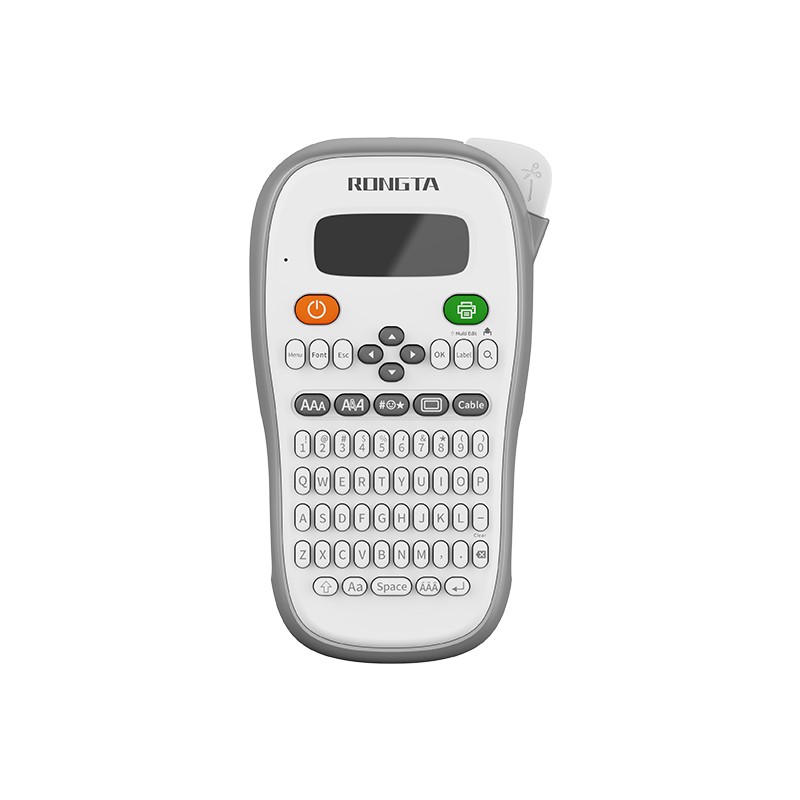 TH110
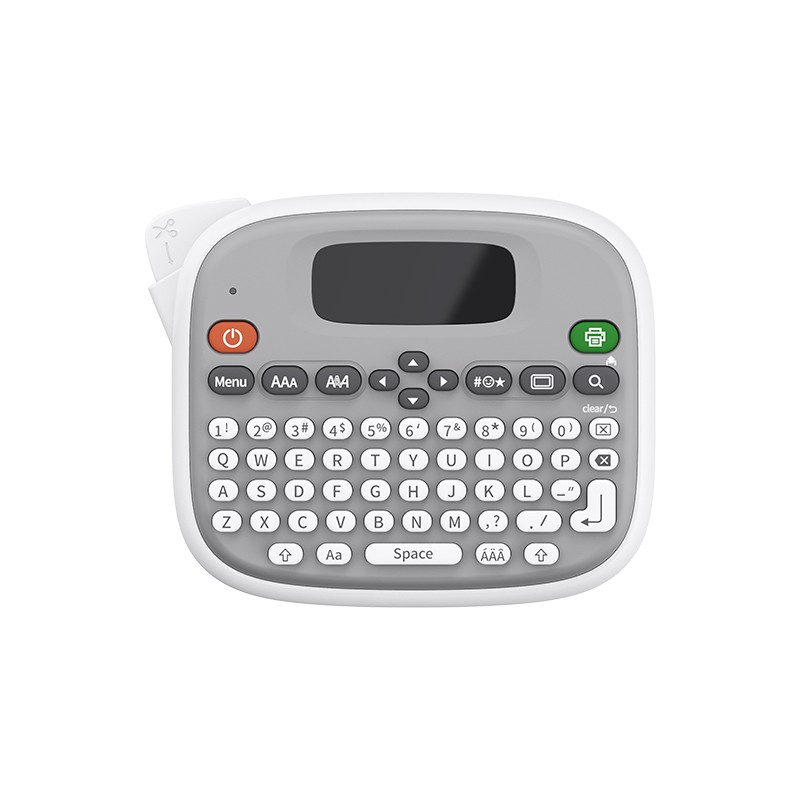 TM95
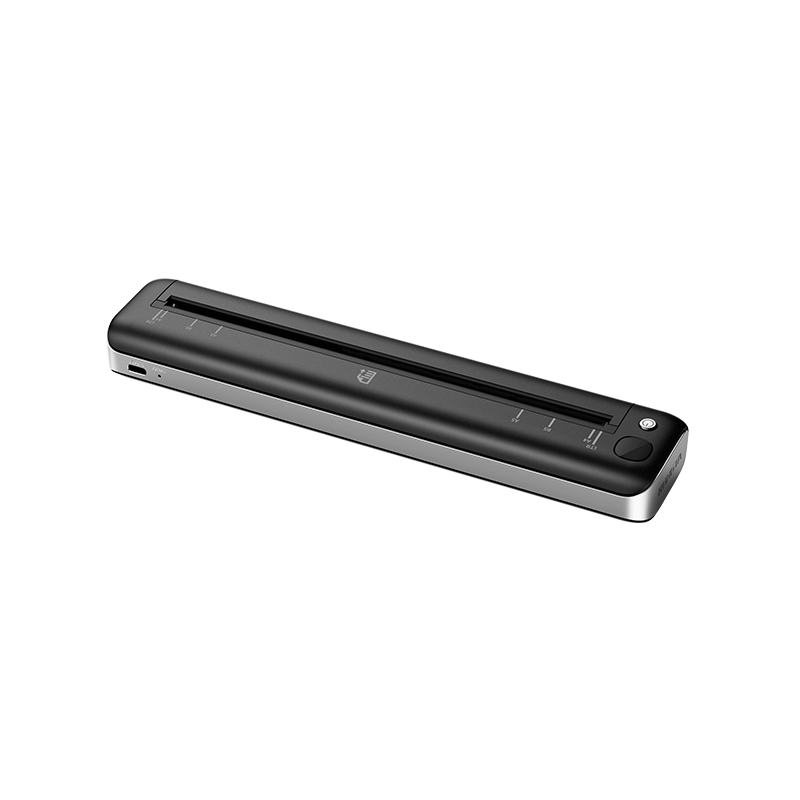 F81A
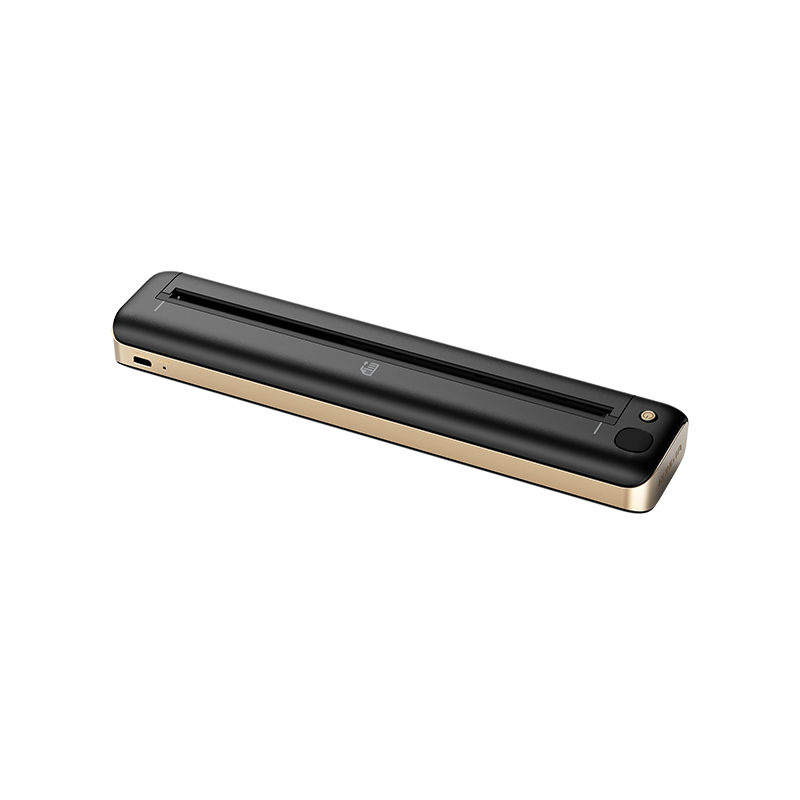 F81S
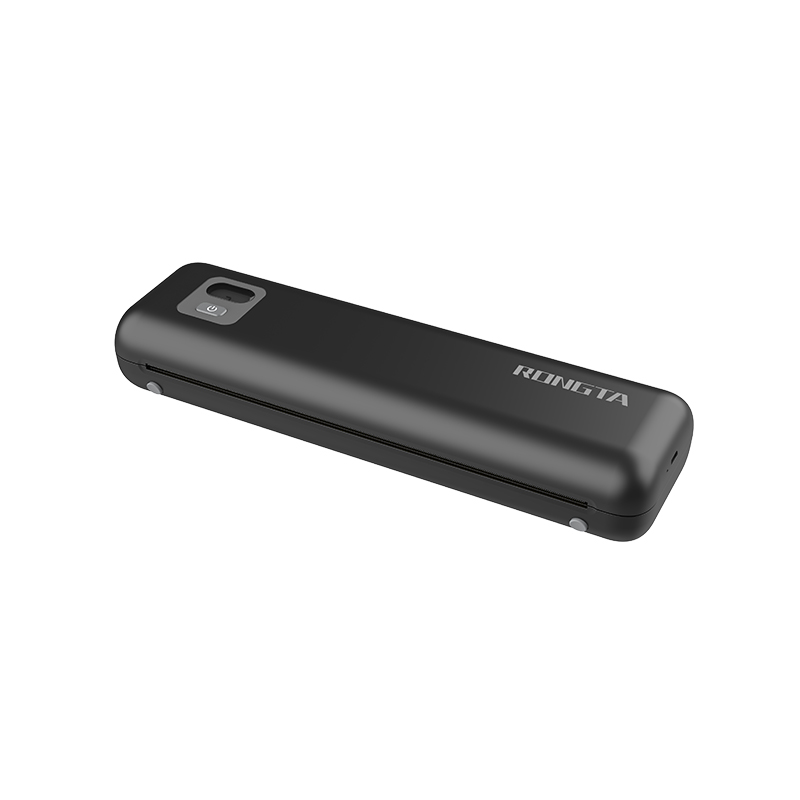 F82A
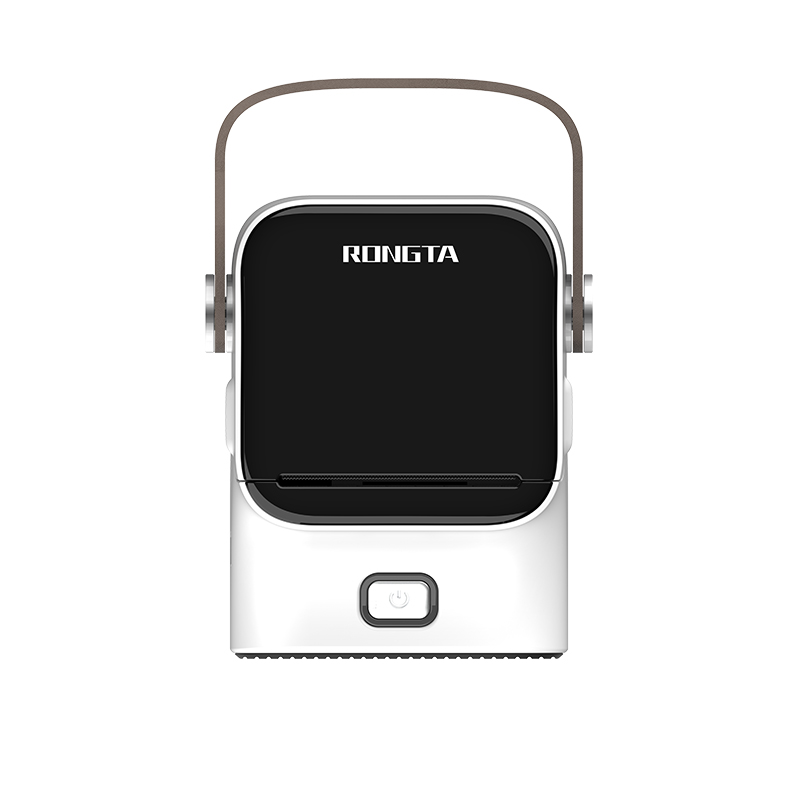 R22
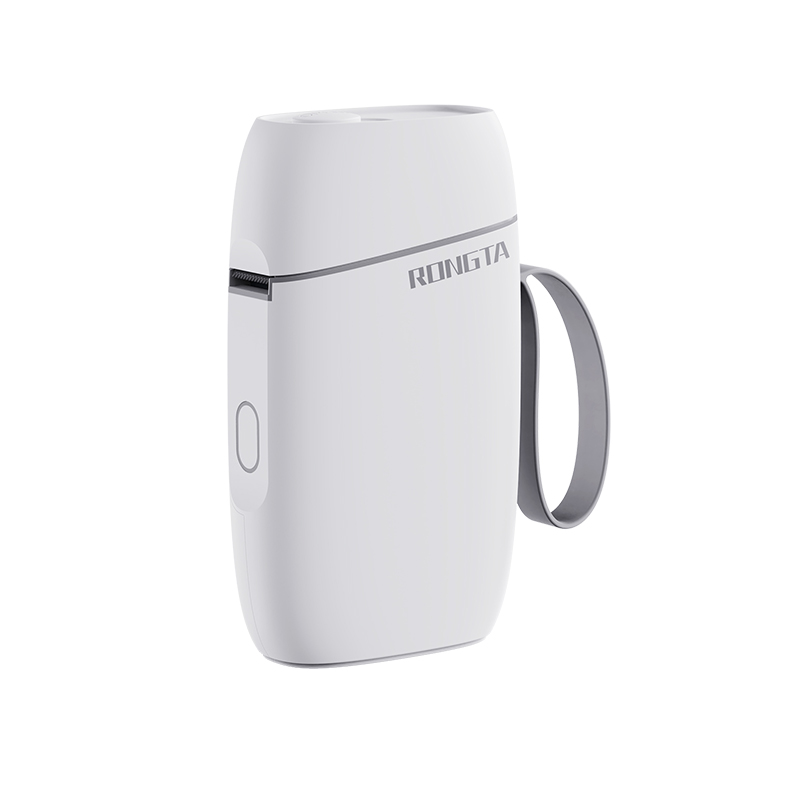 R5
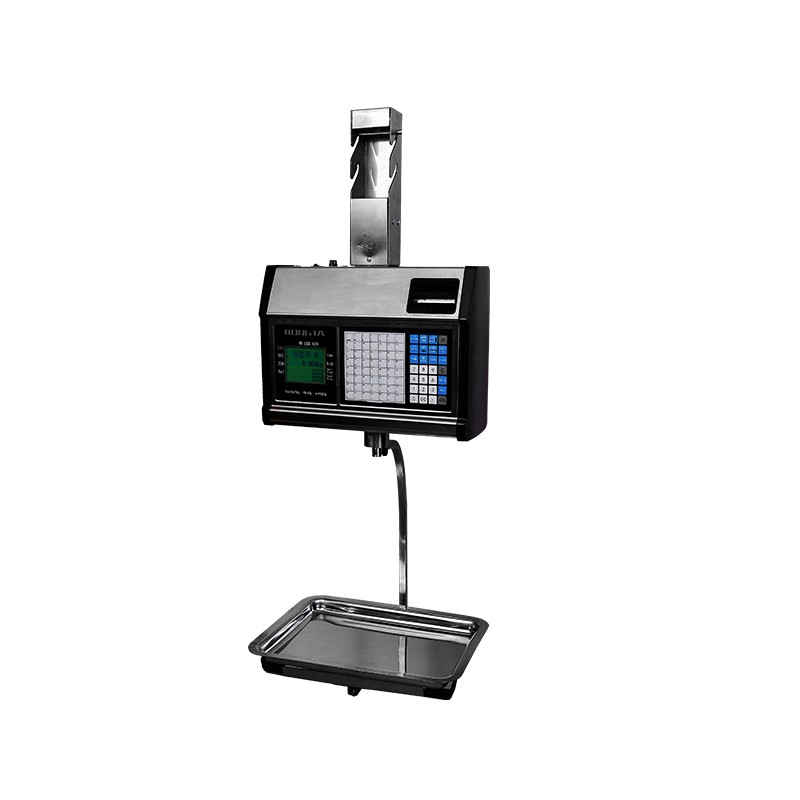 RLS1315/RLS1330
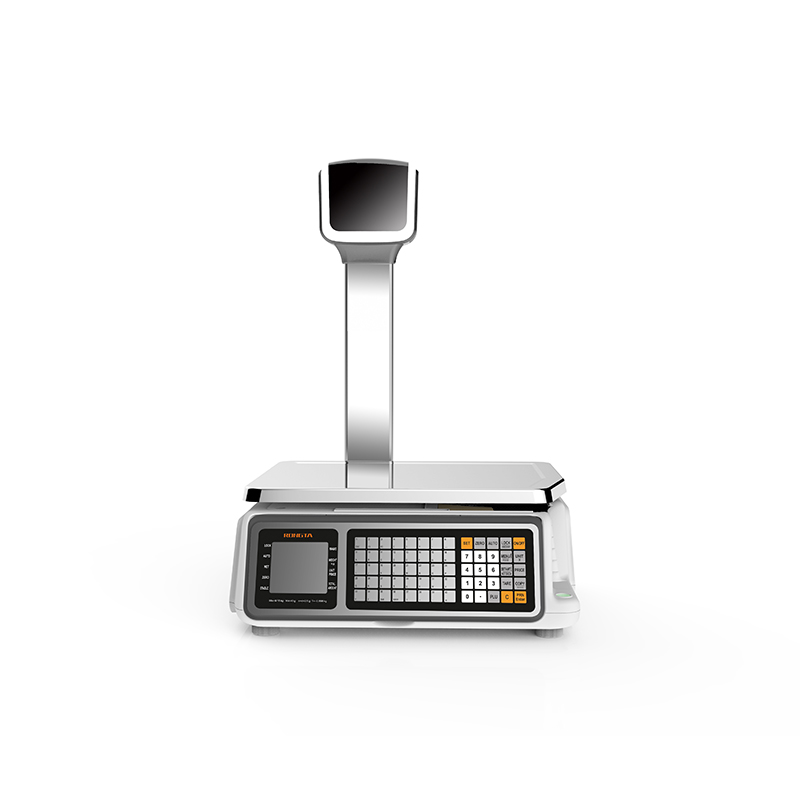 RLS1515/RLS1530
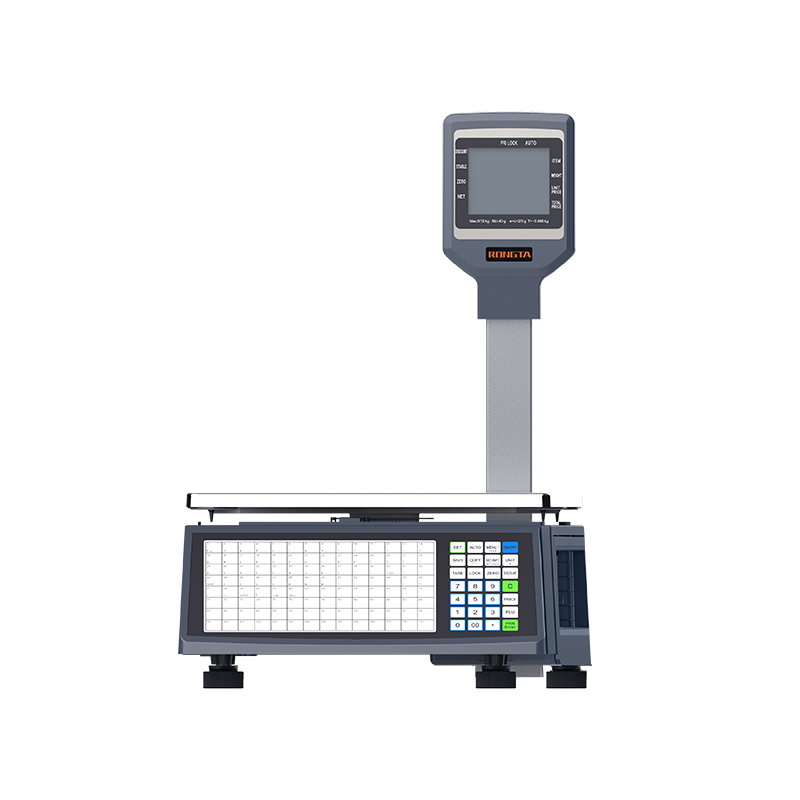 RLS1000/RLS1100A
 RLS1000/RLS1100B
 C2-AI
 AURORA D2-AI
 AURORA S2L-AI
 AURORA Y2L-AI
 C1
 C11
 C3
 CB628
 RT58
 RT105
 RT205MP
 RT532
 PM315
 RP203
 RP07
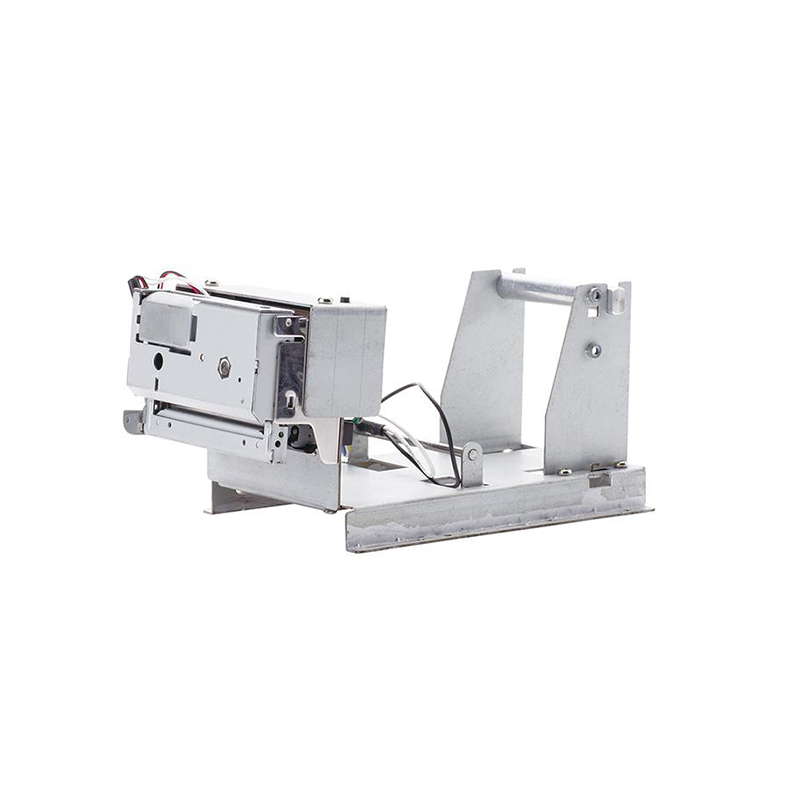 PM201
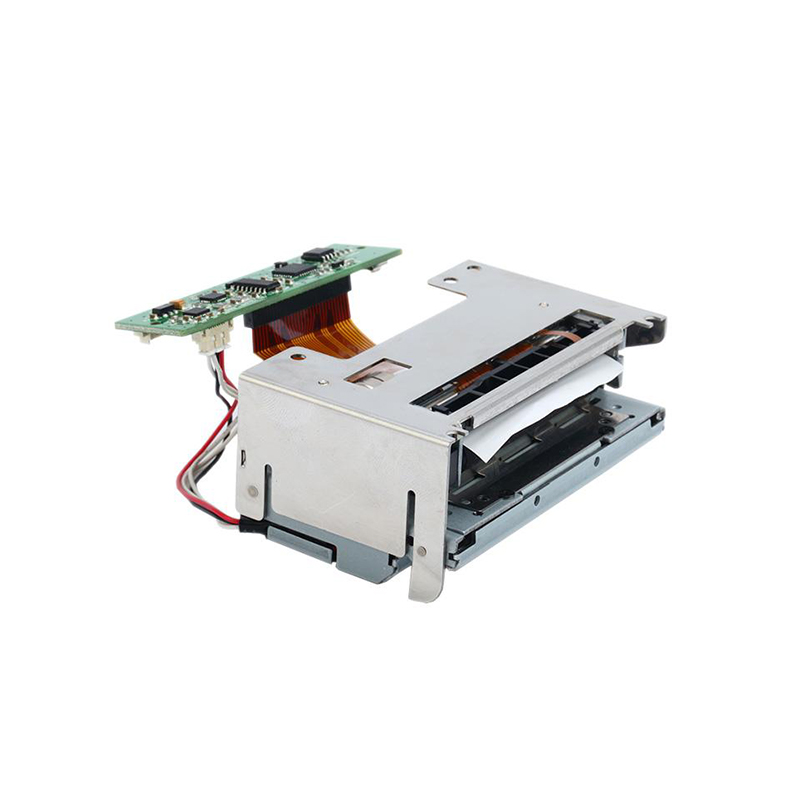 PM628
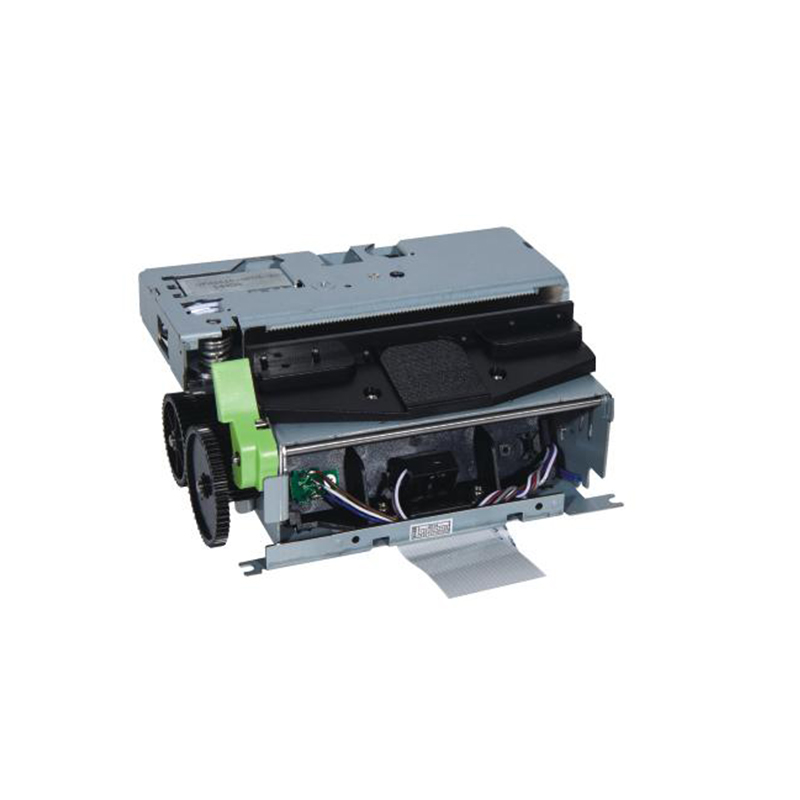 PM532A
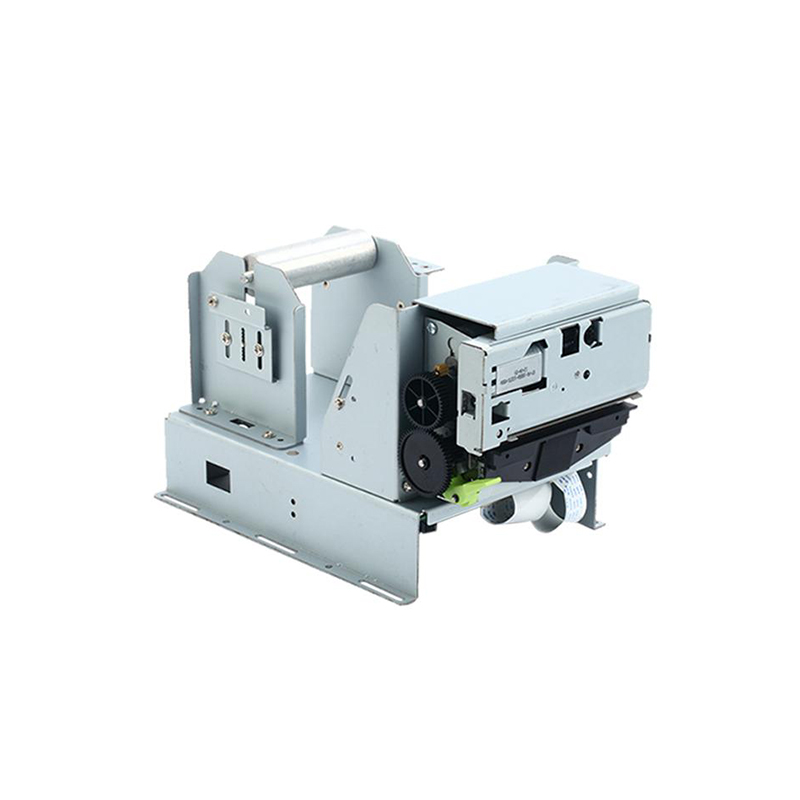 PM532B
 Retail
 Catering
 Medical
 Mobile Office/home
 Asset Management
 Logistics
 Driver Download
 User Manual
 Tool Download
 Label Design Software
 BarTender Video
 Product Video
 SDK
 FAQ
 Company News
 Exhibitions
 Industry News
 Product News
 Rongta Introduction
 Rongta Milestones
 Awards and Qualifications
 R&D Strength
 Rongta Team Activities
 Responsibility

Using thermal printers to print shipping and return labels: Improving e-commerce logistics efficiency
Why use a thermal printer to print logistics labels?
For e-commerce sellers, warehouses, and small businesses, shipping and return labels are crucial for order fulfillment. Inkjet printer or laser printers require ink and toner, resulting in high long-term operating costs and potential issues such as dried-out consumables and blurred printing.
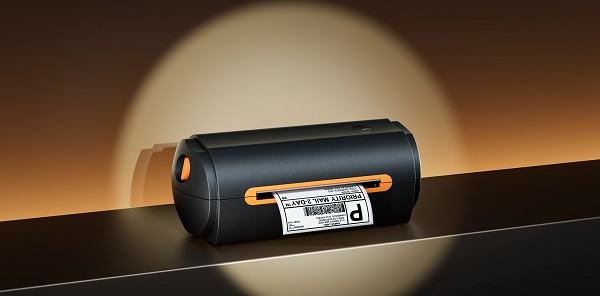
Thermal printers heat the printhead to create text and images on special thermal label paper, eliminating the need for ink cartridges or toner. They are typically small, quick to start, and provide stable printing, making them suitable for online stores, warehouses, courier stations, and retail outlets. Clear addresses, barcodes, and order numbers also reduce sorting and delivery errors.
How do I print shipping labels?
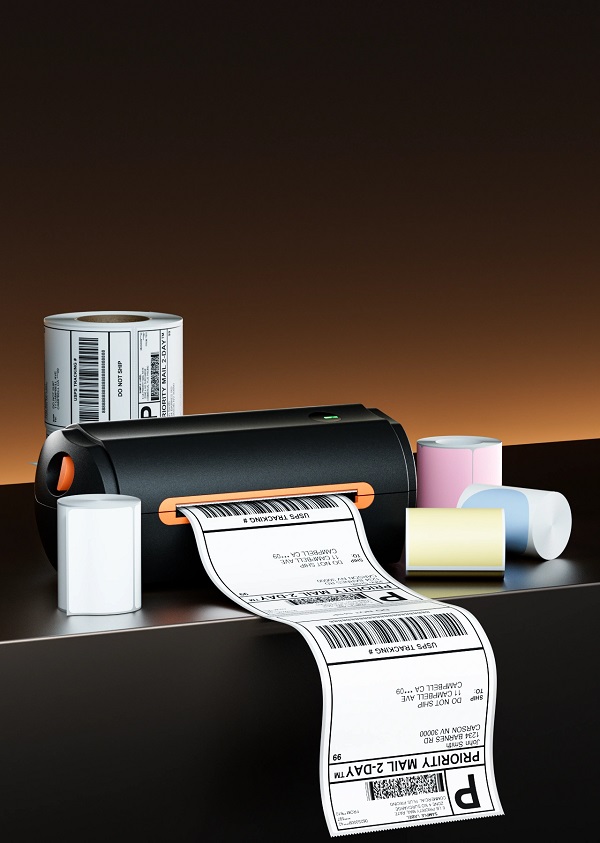
- Choose the appropriate label paper
First, confirm the label size requirements of the logistics platform or courier company, and then select thermal label paper that is compatible with the printer, has stable adhesion, and a smooth surface.
- Connect the device and complete the setup.
Thermal printers typically support USB, Bluetooth, or wireless connections. Upon first use, install the driver or accompanying software and select the correct device on your computer, mobile phone, or order system. It is recommended to print a test page first to confirm that the page orientation and content positioning are correct.
- Generate and check logistics waybills.
In the order management system, select the order to be shipped, generate the shipping label, and then start printing. Before printing, verify the recipient, address, phone number, order number, and tracking number. After printing, check that the barcode is complete, the text is clear, and the content has not been cropped.
How do I print a return label?
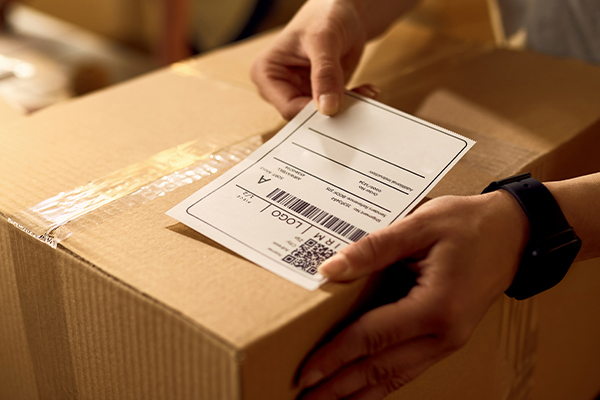
Return labels are used in reverse logistics to help consumers return goods to merchants or designated warehouses. Merchants can generate return labels in their after-sales system and then send them to customers via the order page, email, or customer service system. Consumers can download the file and print it using a thermal printer.
A standard return label should typically include the return tracking number, warehouse address, barcode, and order information. Upon receiving the goods, merchants can quickly match the order by scanning the label, reducing manual search time. Standardized processes are especially important for categories with high return rates, such as apparel, home furnishings, and electronics.

The main advantages of thermal printers
Thermal printing does not rely on ink and toner, reducing consumable management; the equipment starts up quickly, making it suitable for continuous printing; clear barcodes facilitate warehouse picking, express sorting, and after-sales verification. It is important to note that thermal labels should be kept away from high temperatures, strong light, and humid environments, and the print head should be cleaned regularly to maintain stable performance.
Conclusion
Using thermal printers to print shipping and return labels can make e-commerce logistics processes faster, clearer, and more standardized. By selecting the appropriate label size, correctly setting up the device, and verifying key information, merchants can reduce label errors and improve shipping and return processing efficiency.